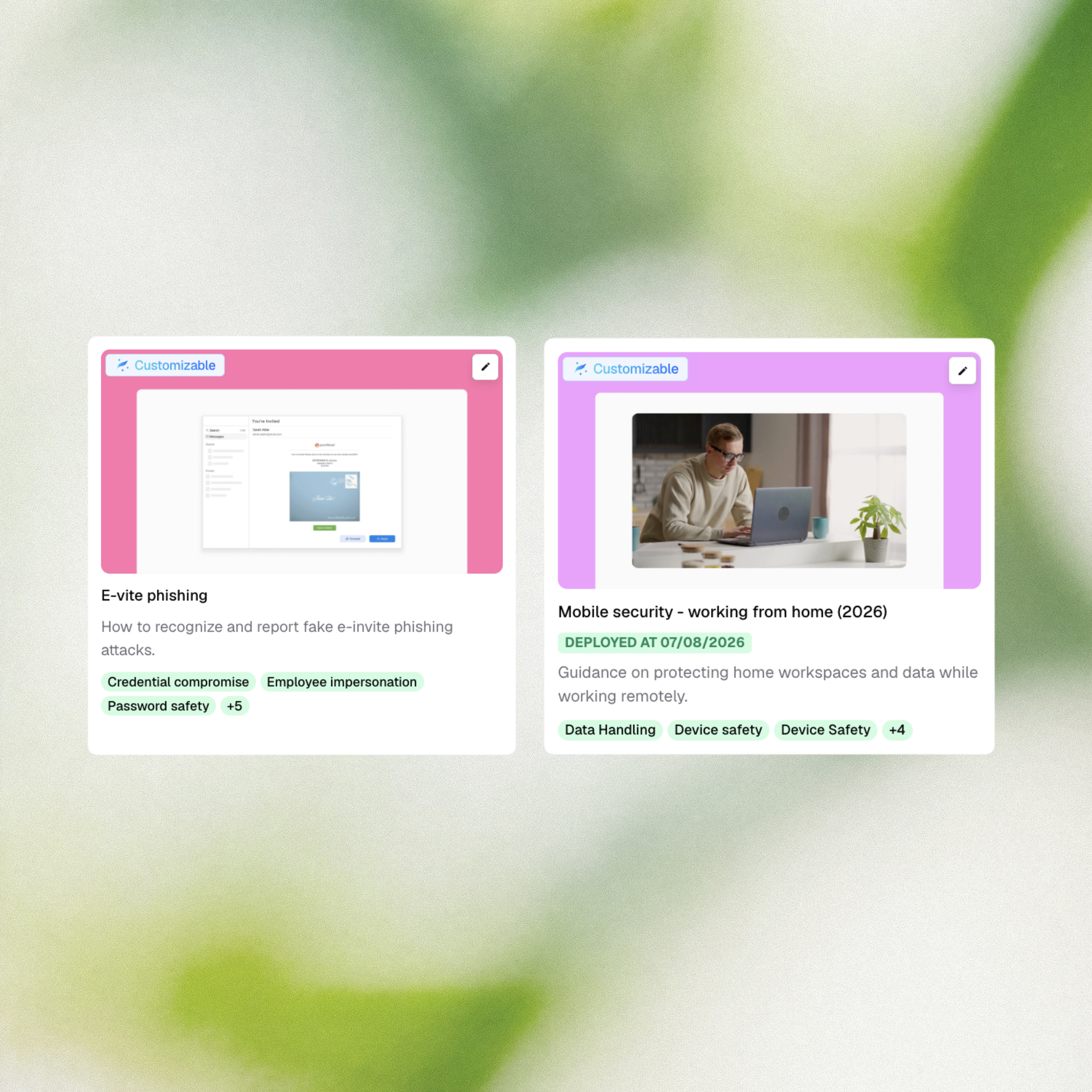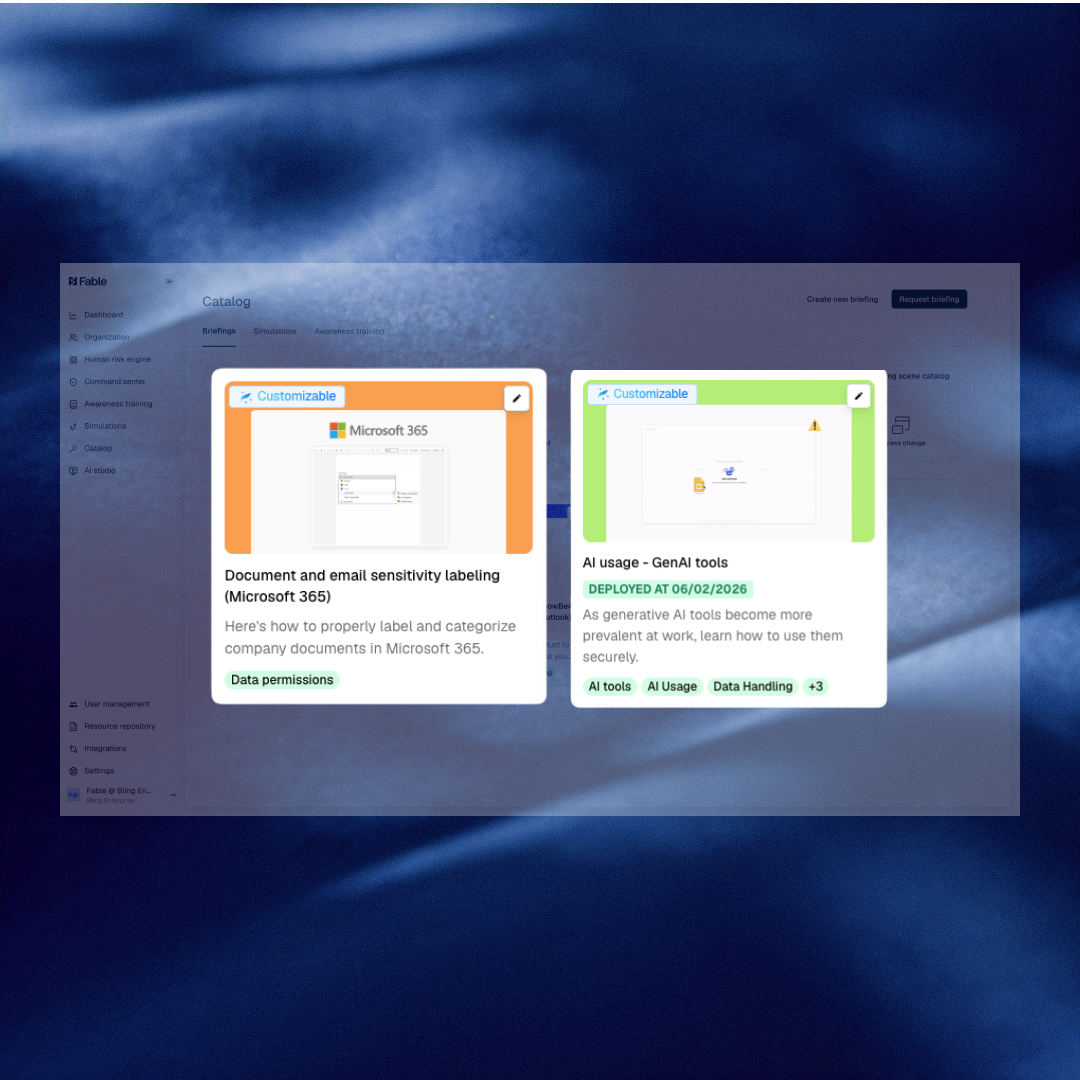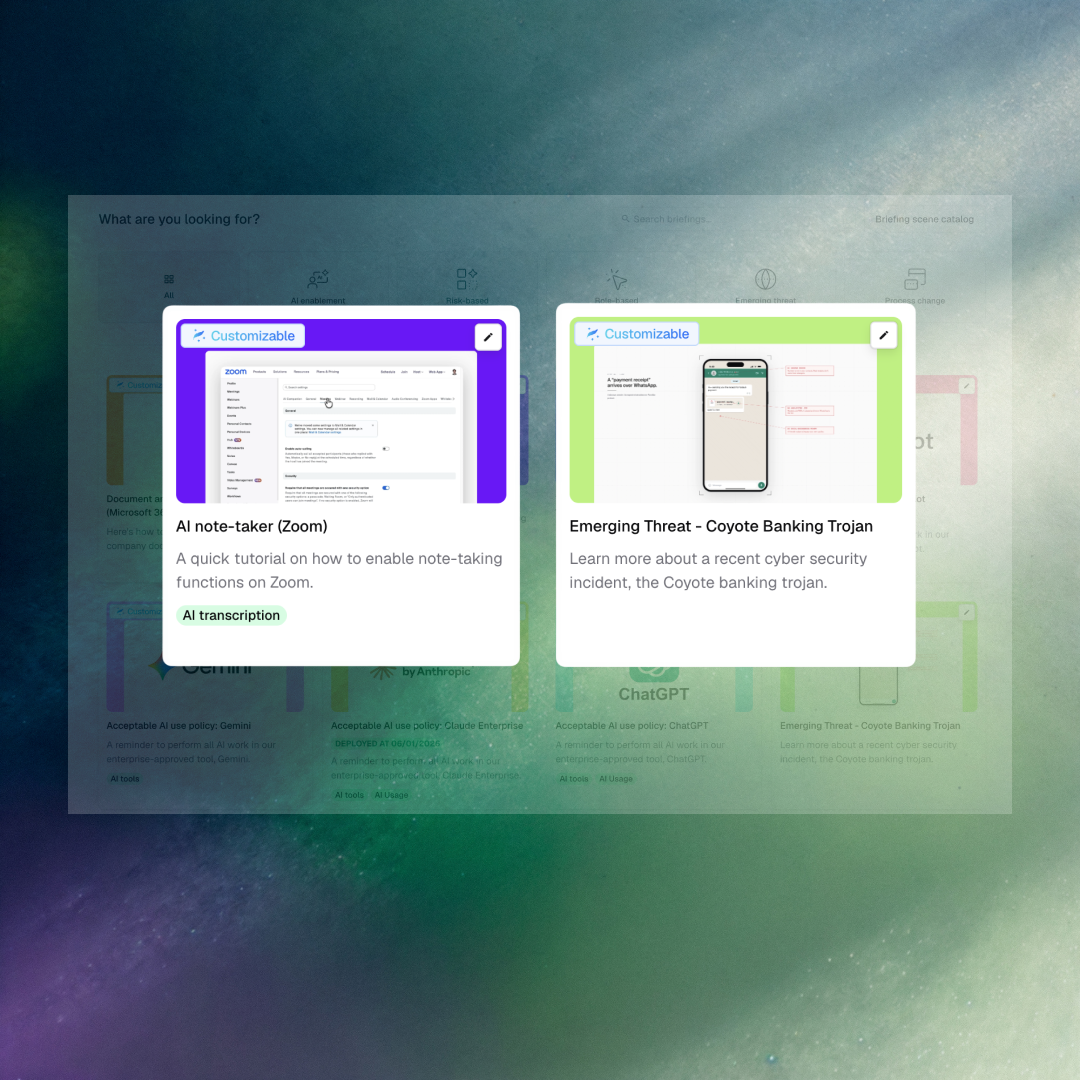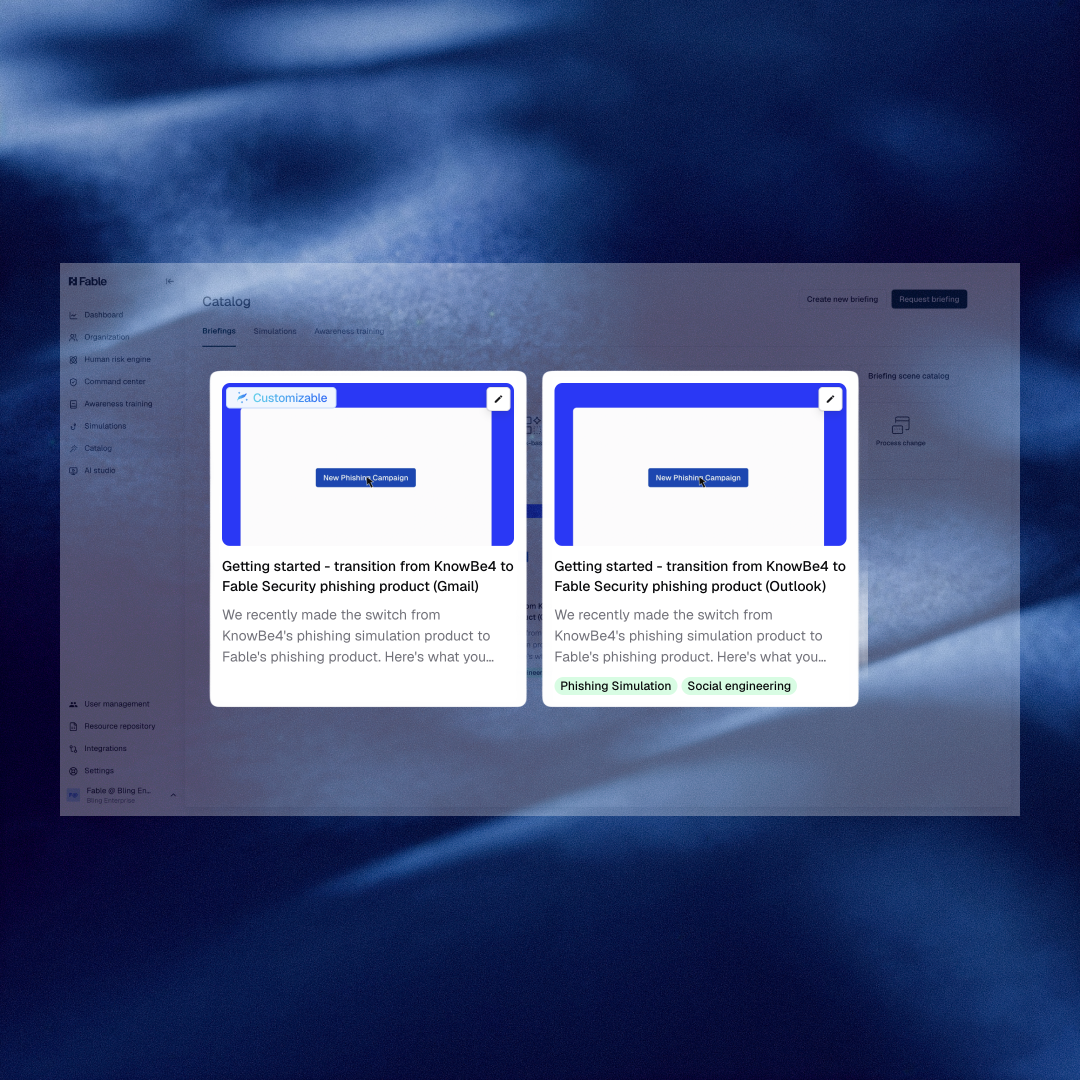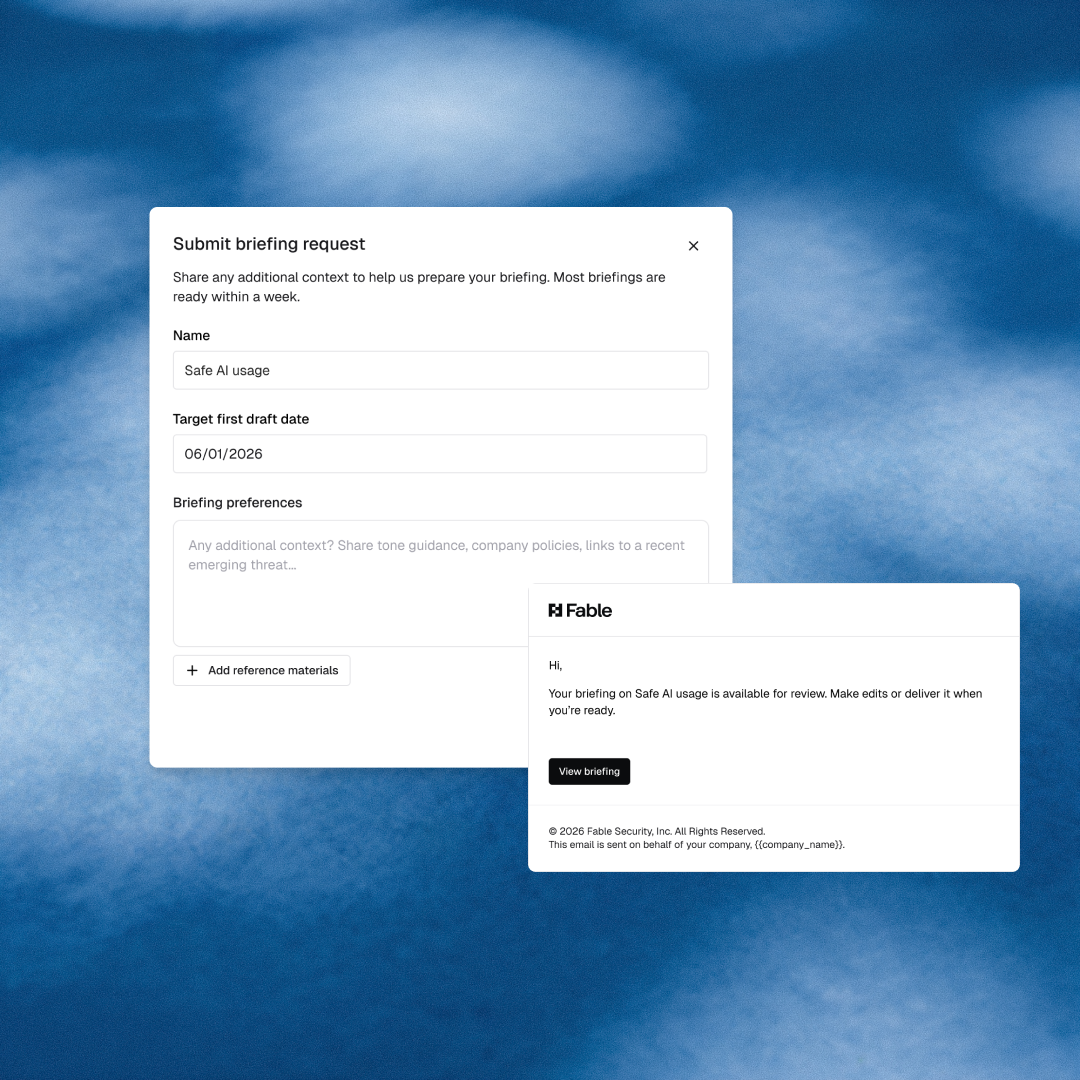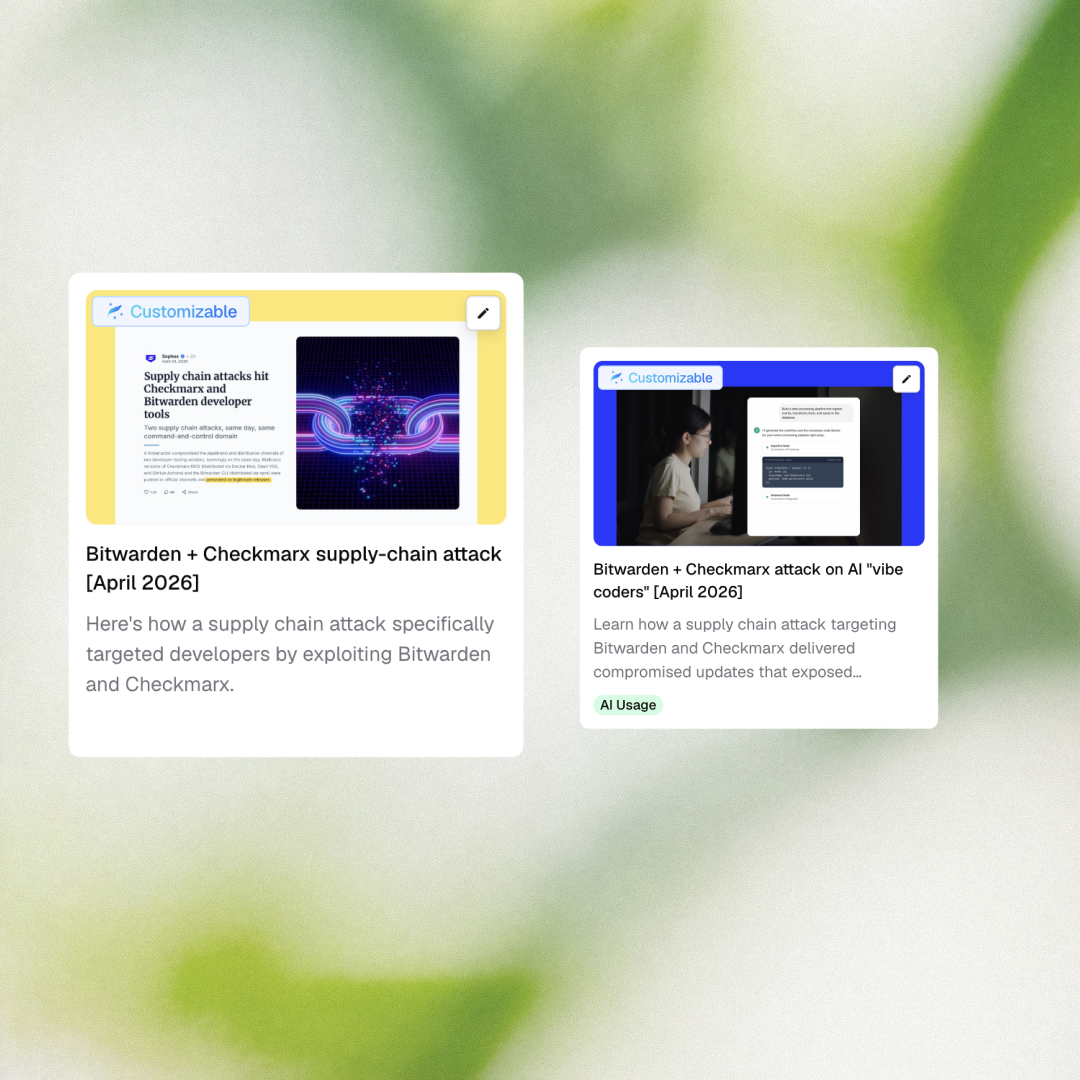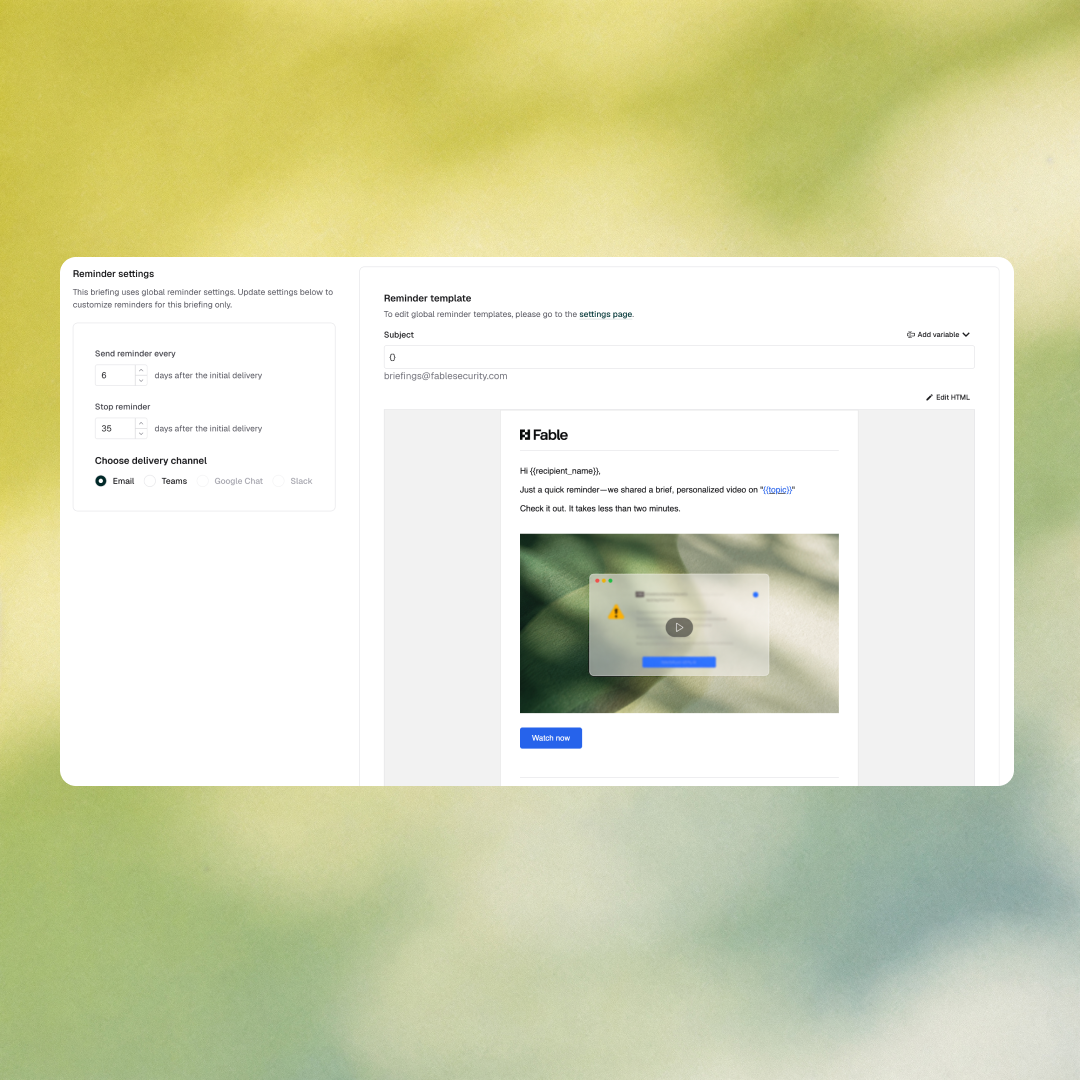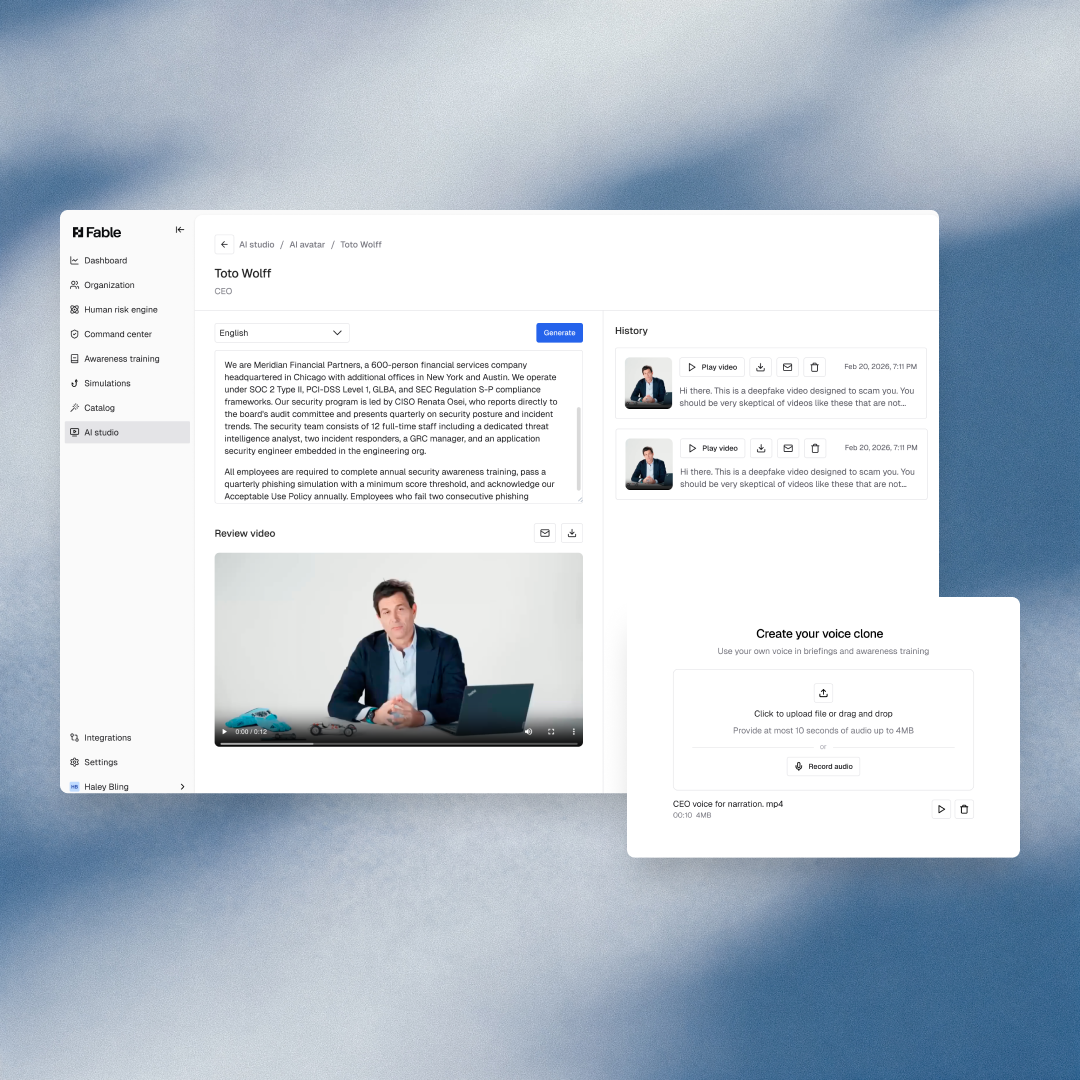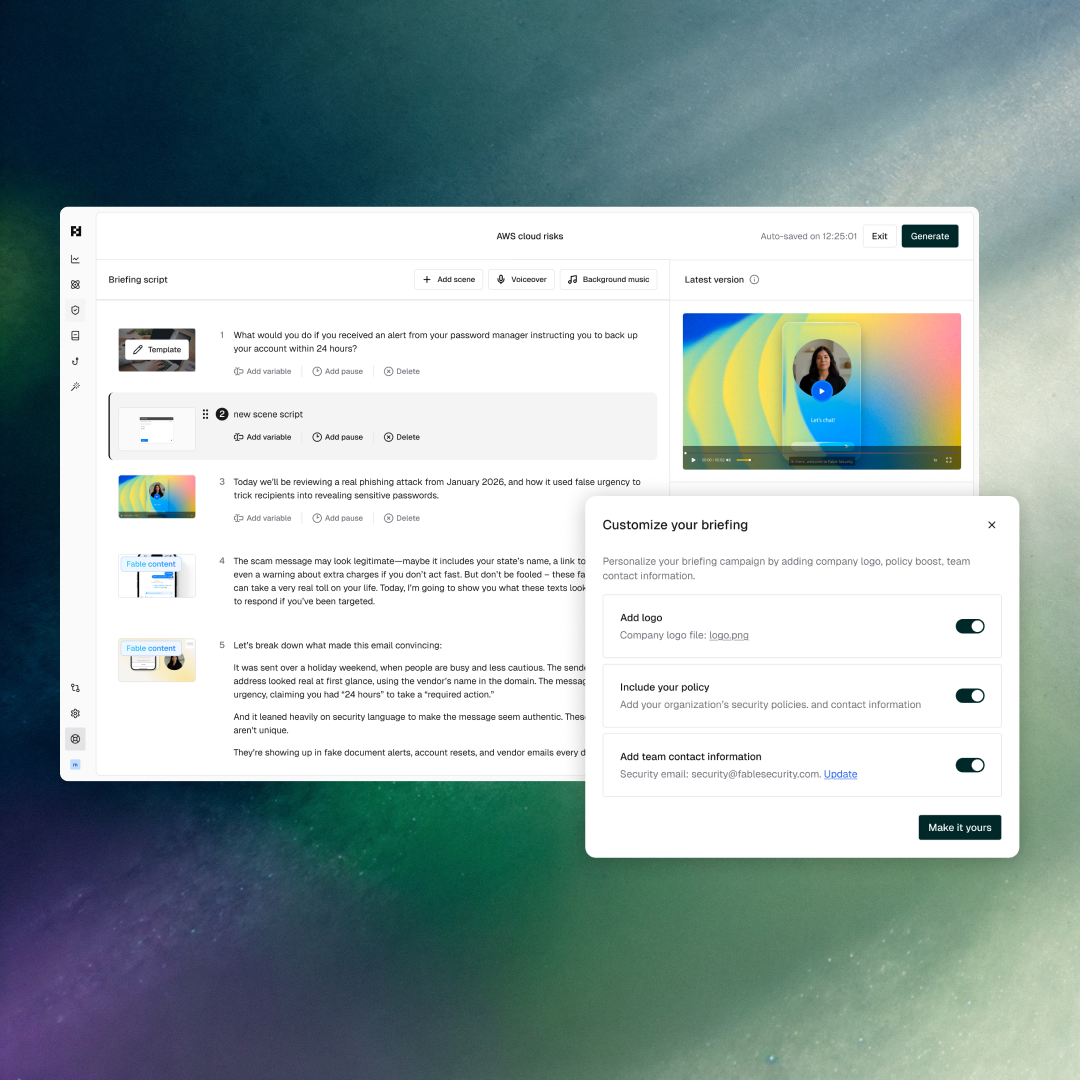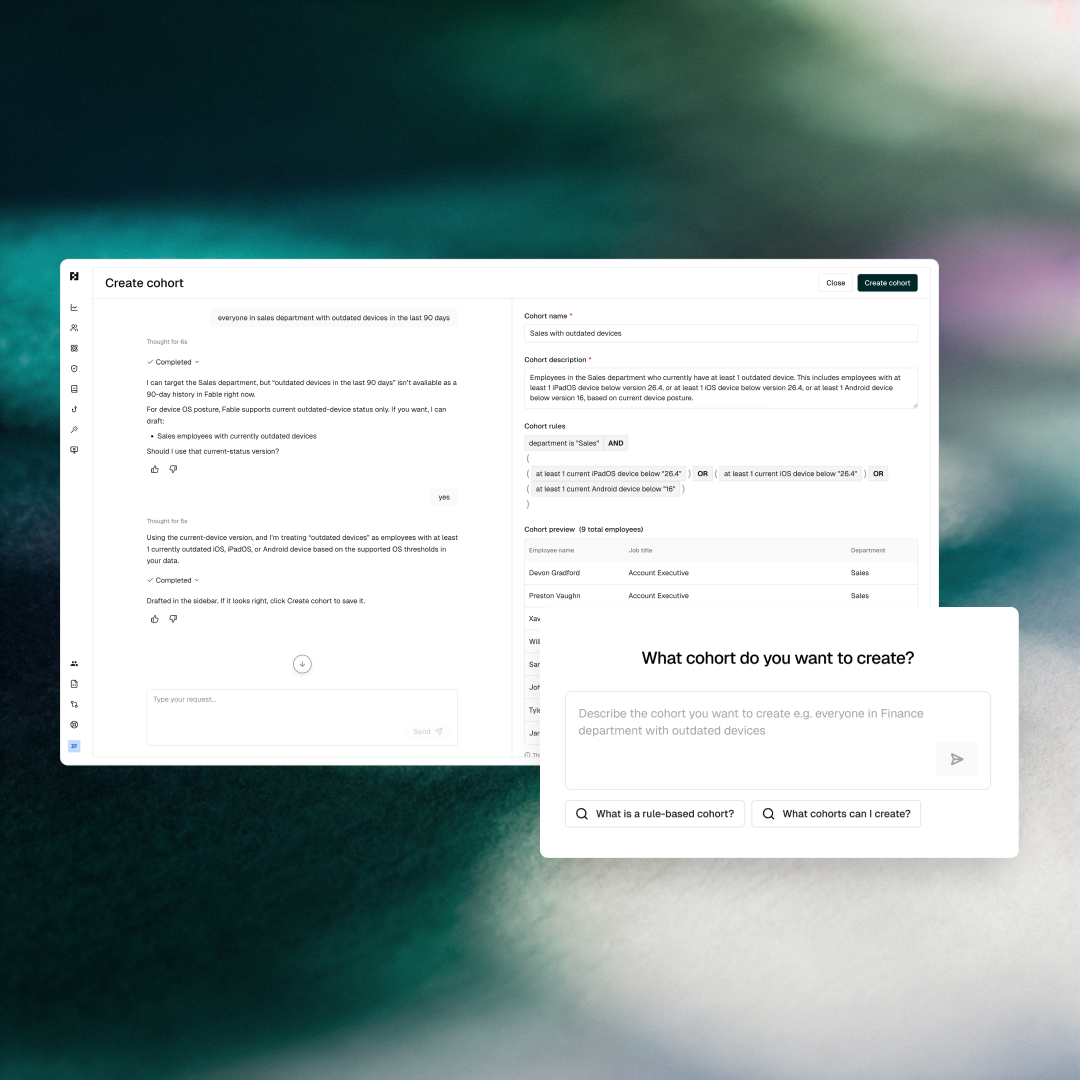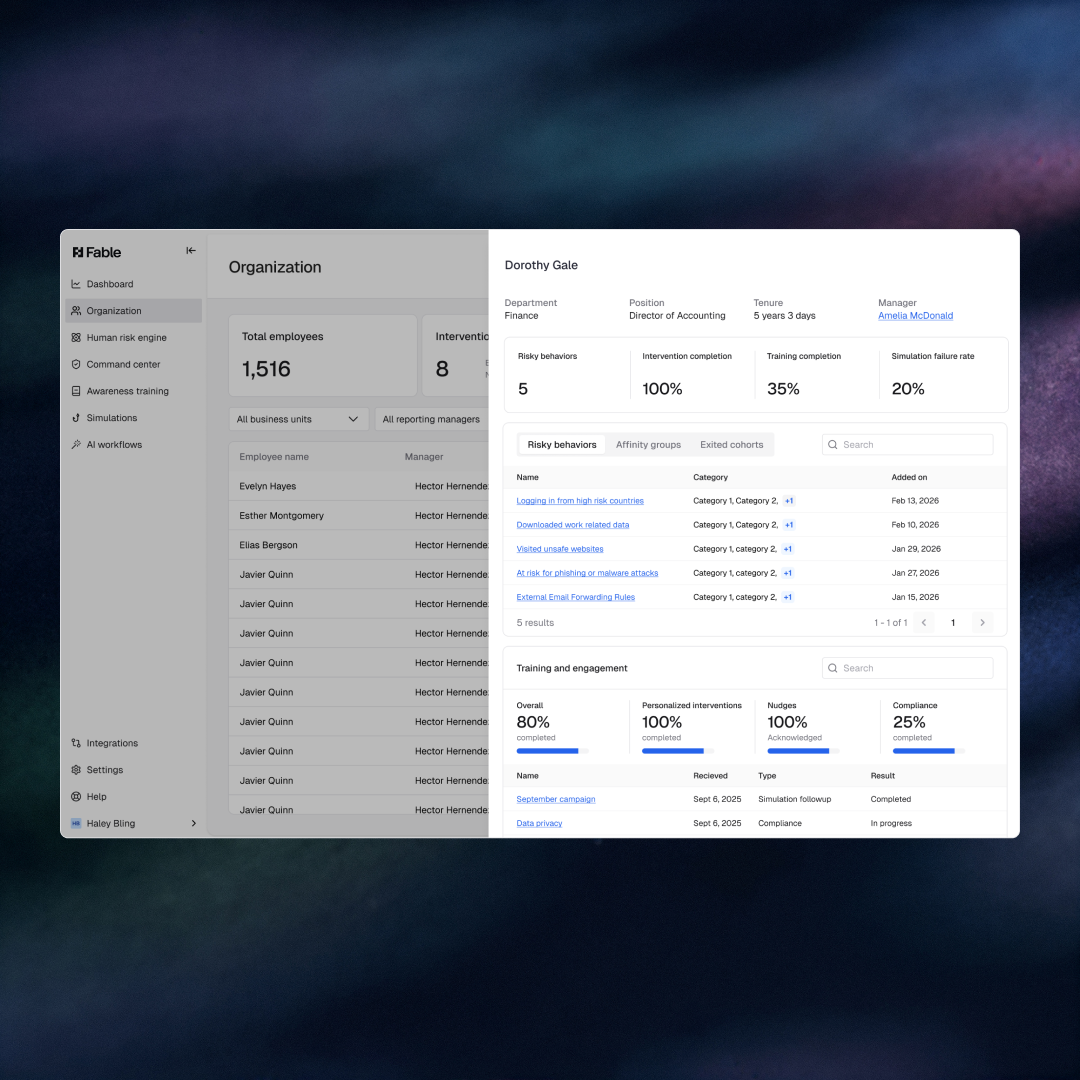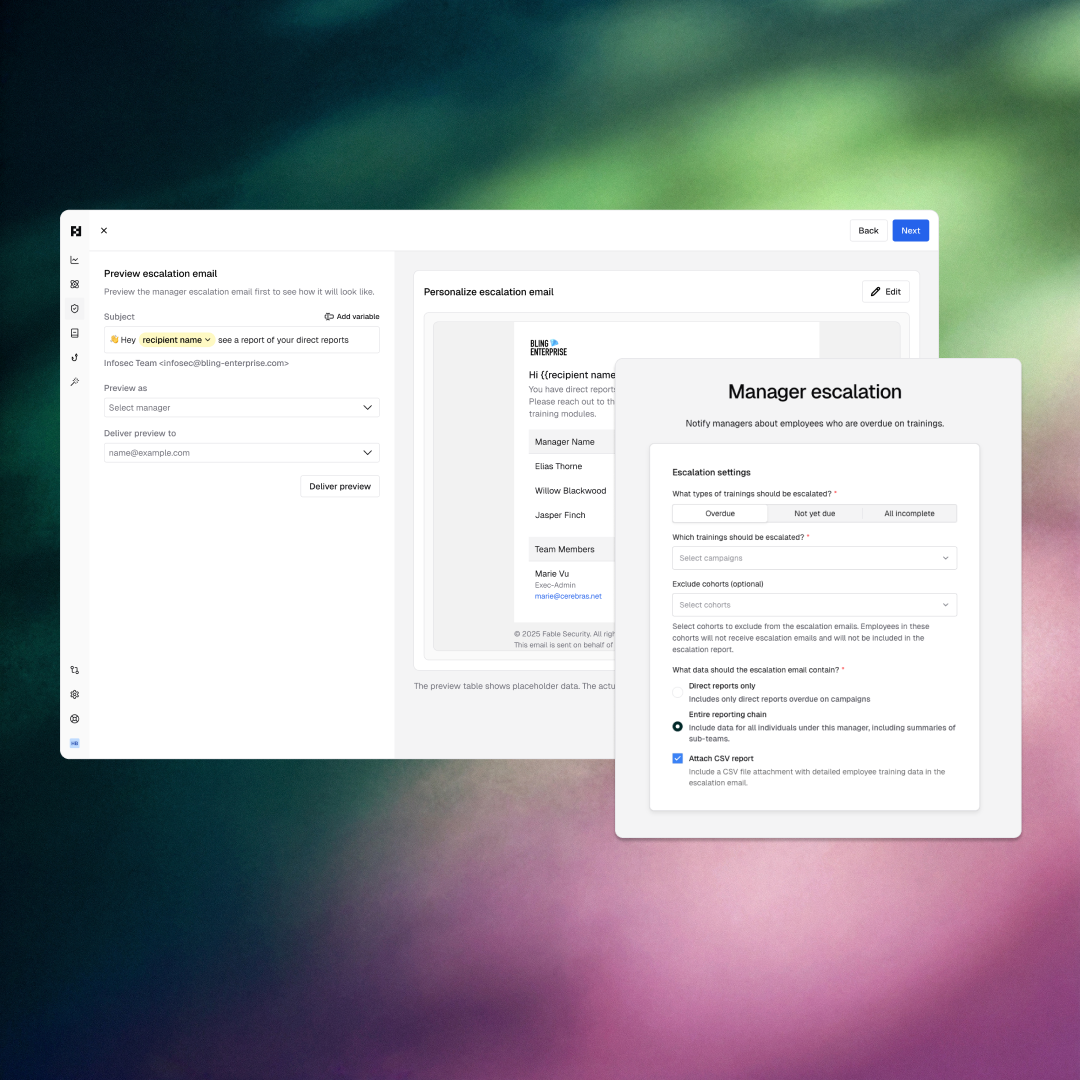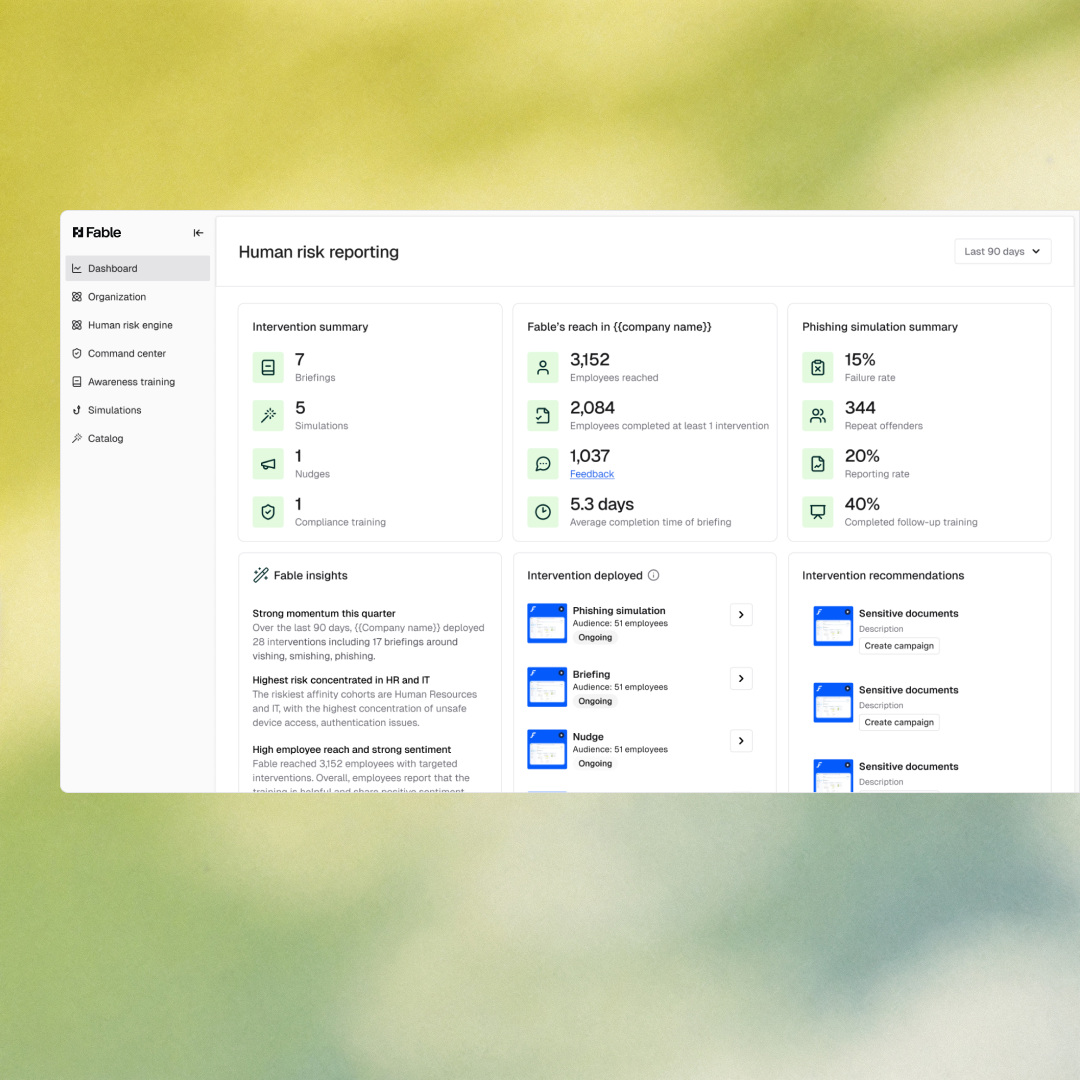


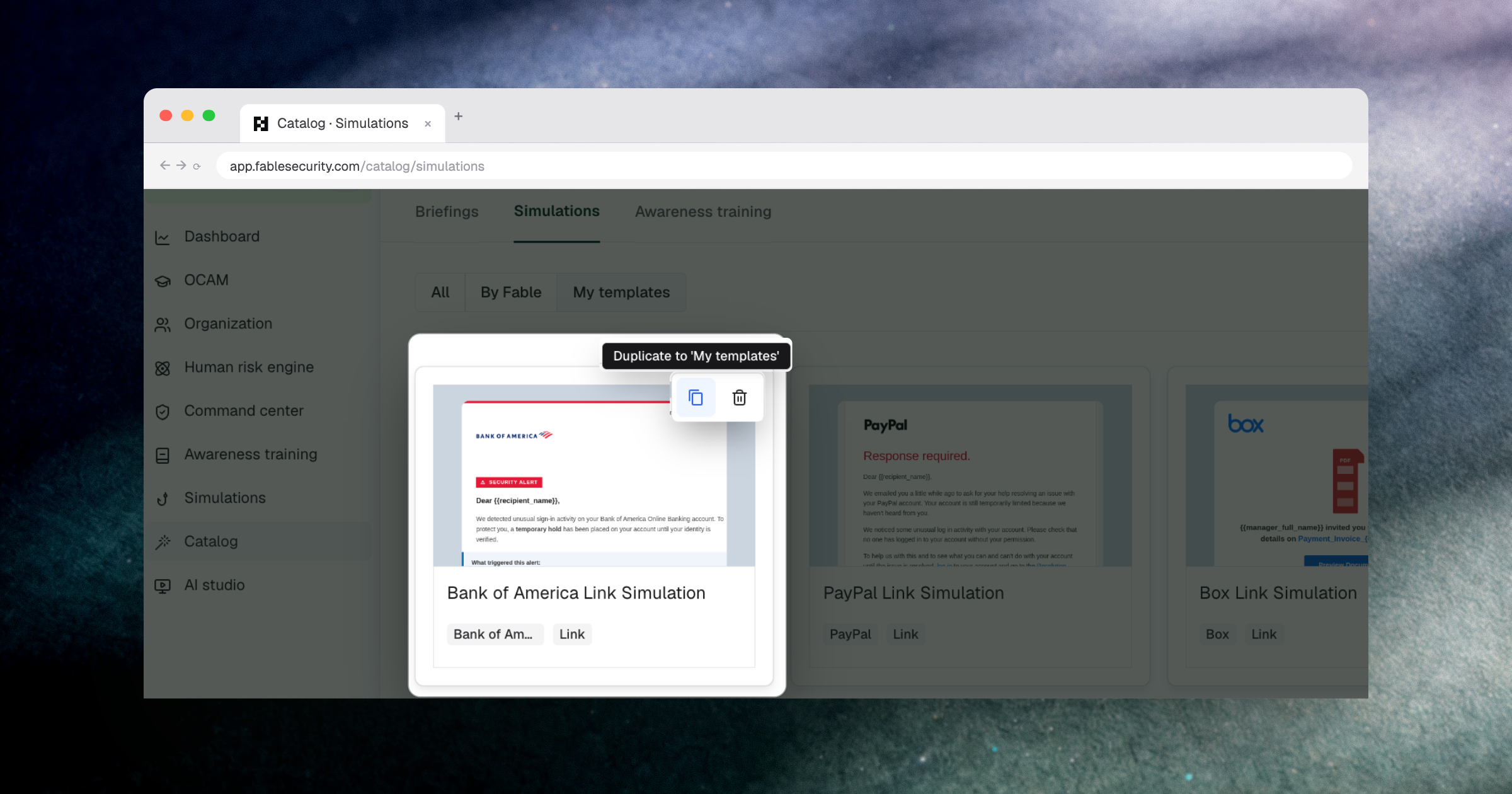
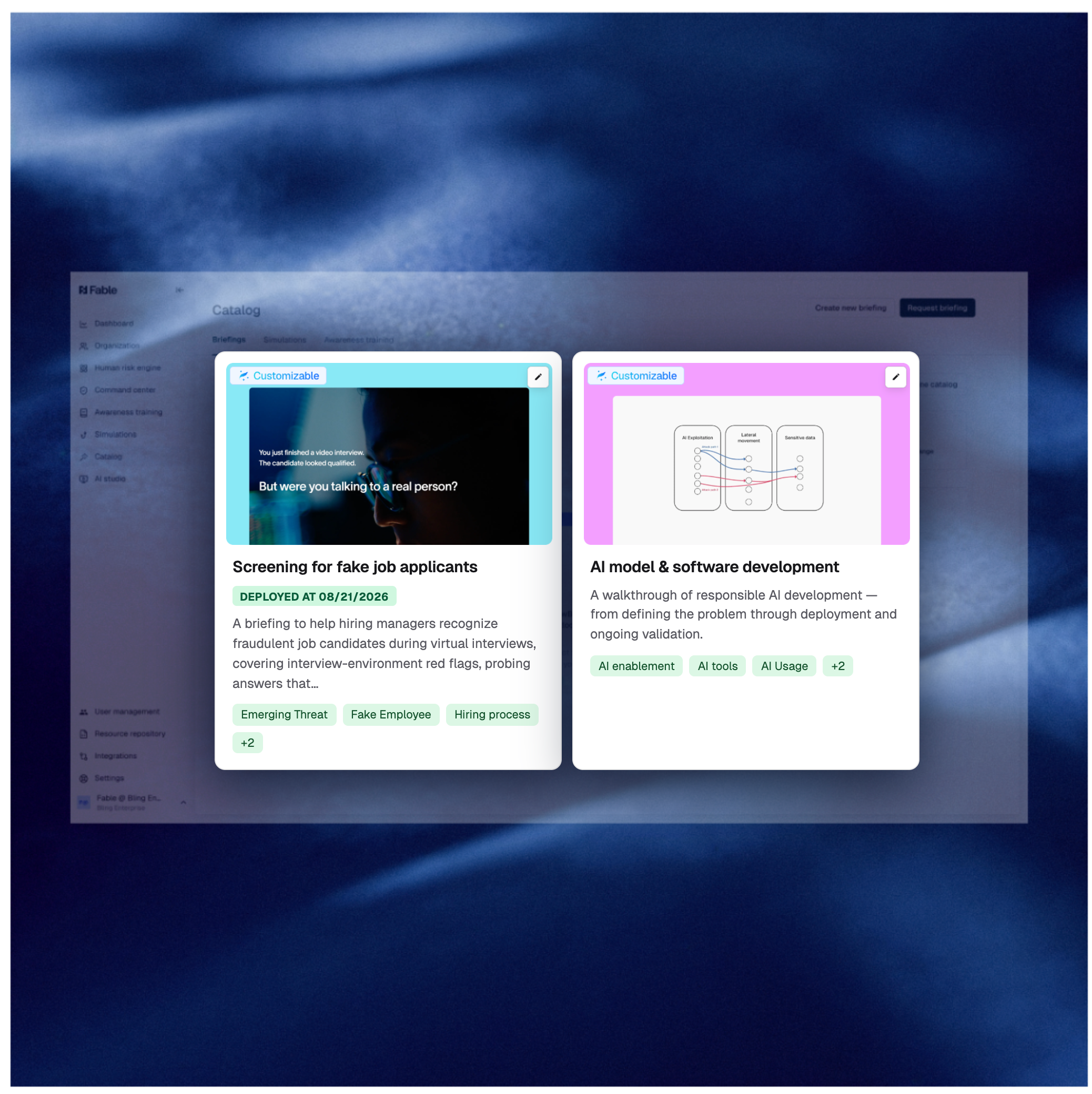
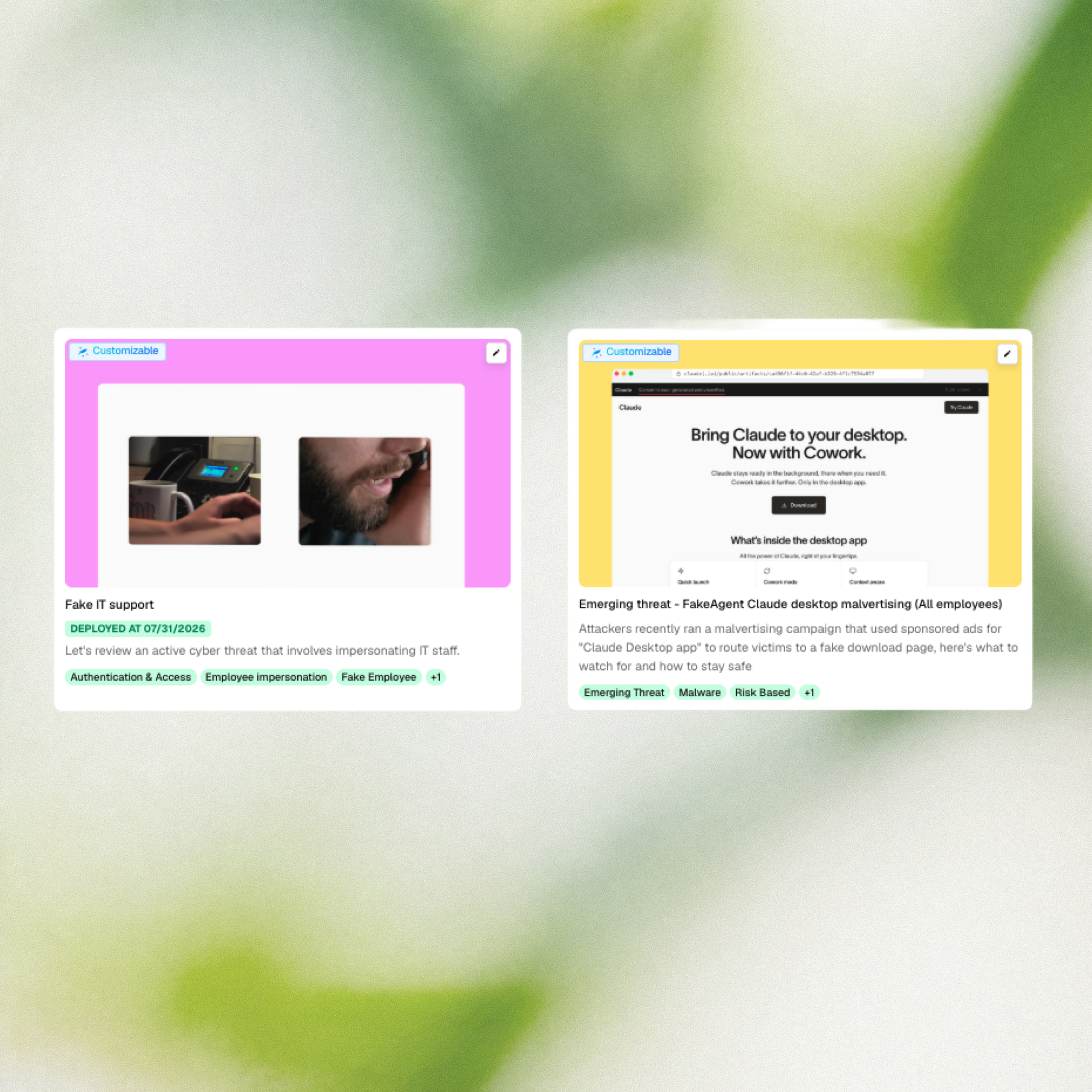
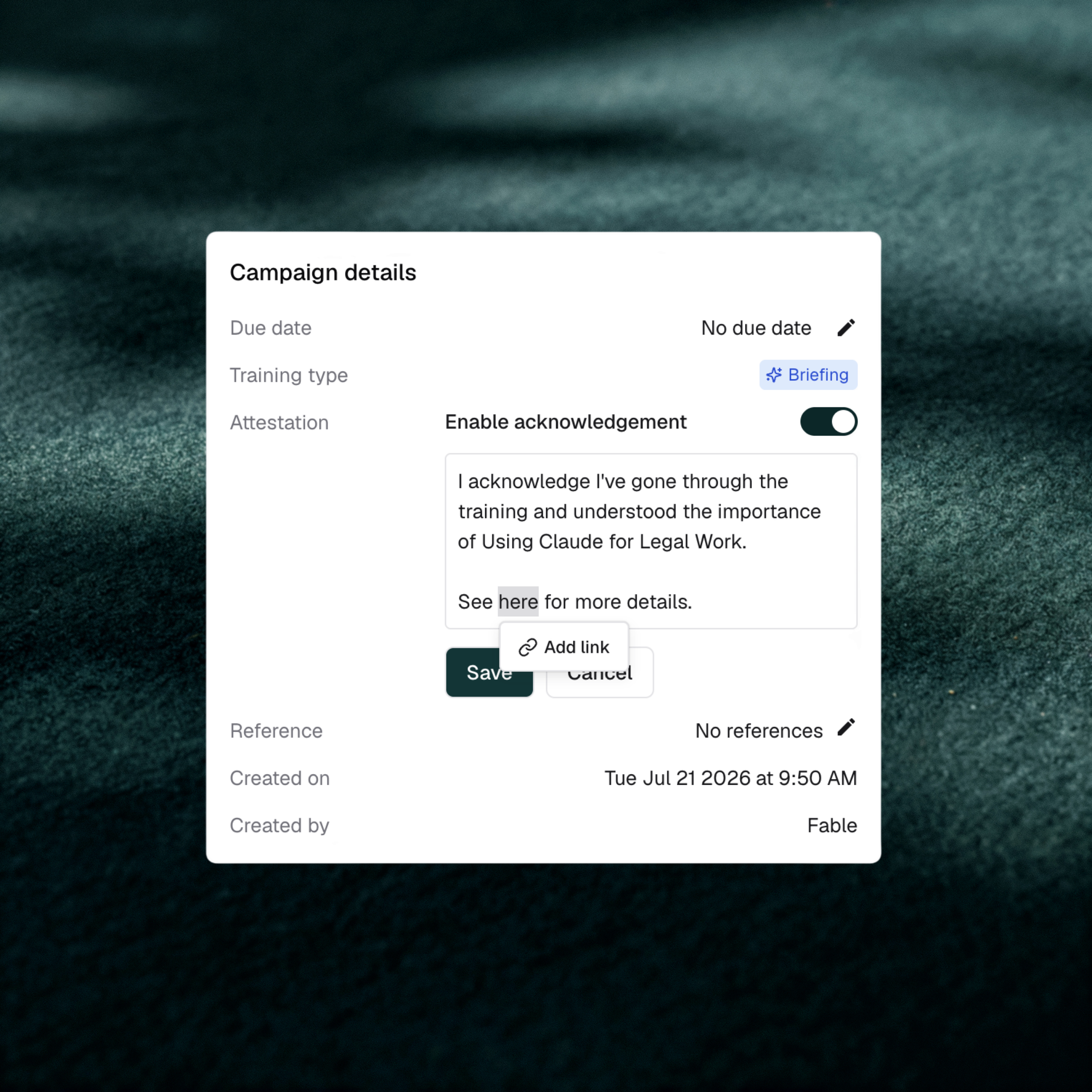
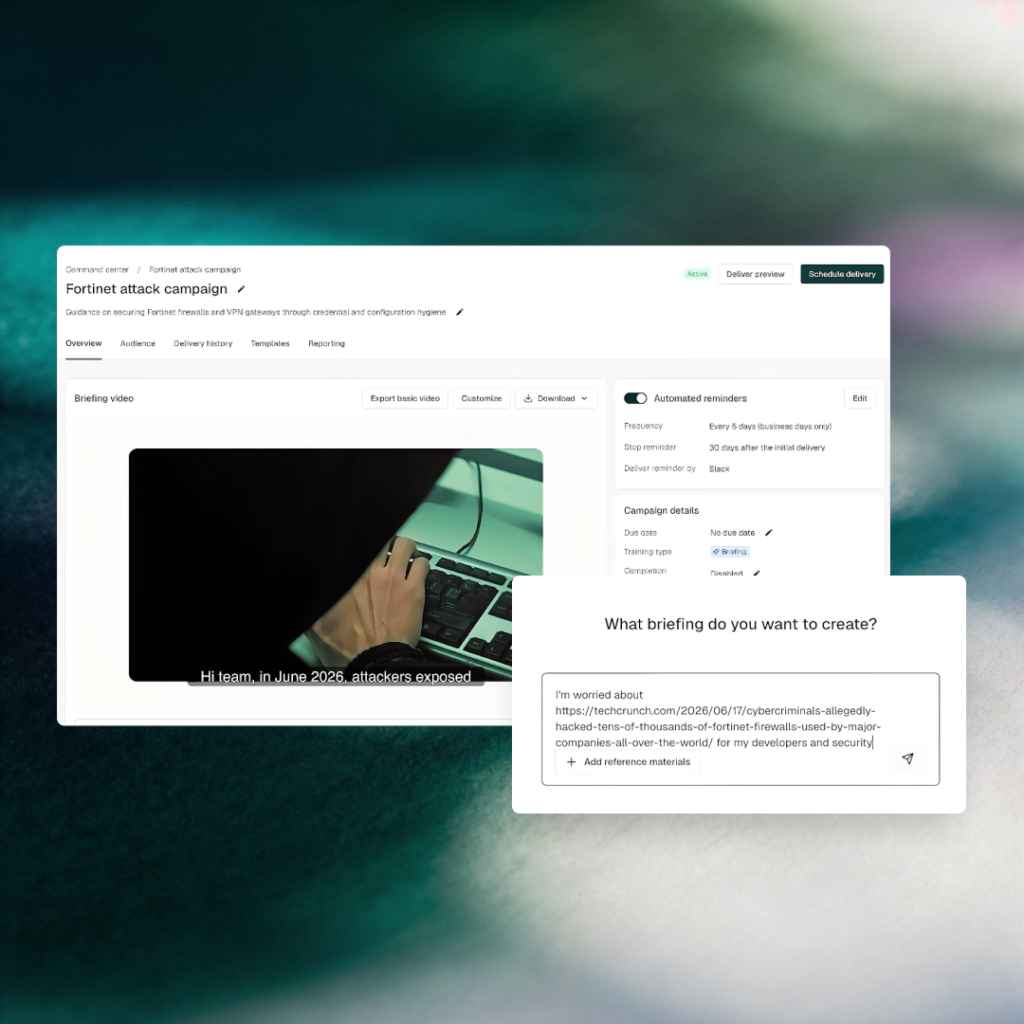
Fable shipped briefing agent in preview, a new AI-powered feature that lets security teams generate a fully custom, audience-targeted video briefing from any emerging threat in 10 minutes or less. The feature closes a gap that fixed content calendars and broad LMS campaigns have never solved: making employee preparation operate at the same tempo as threat detection. Preview access is open to customers and prospects who want to test it with us.
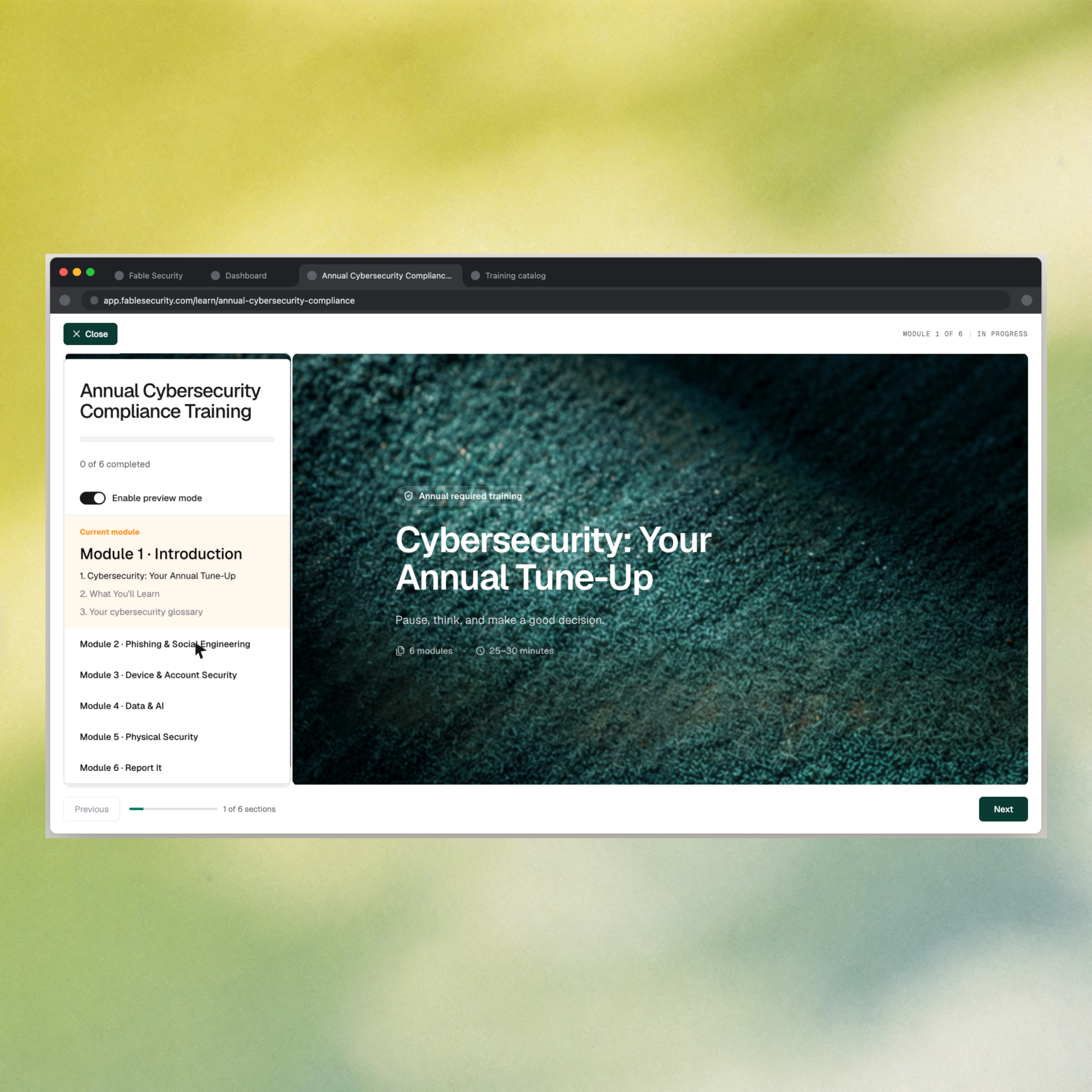
Course preview now shows exactly what ships
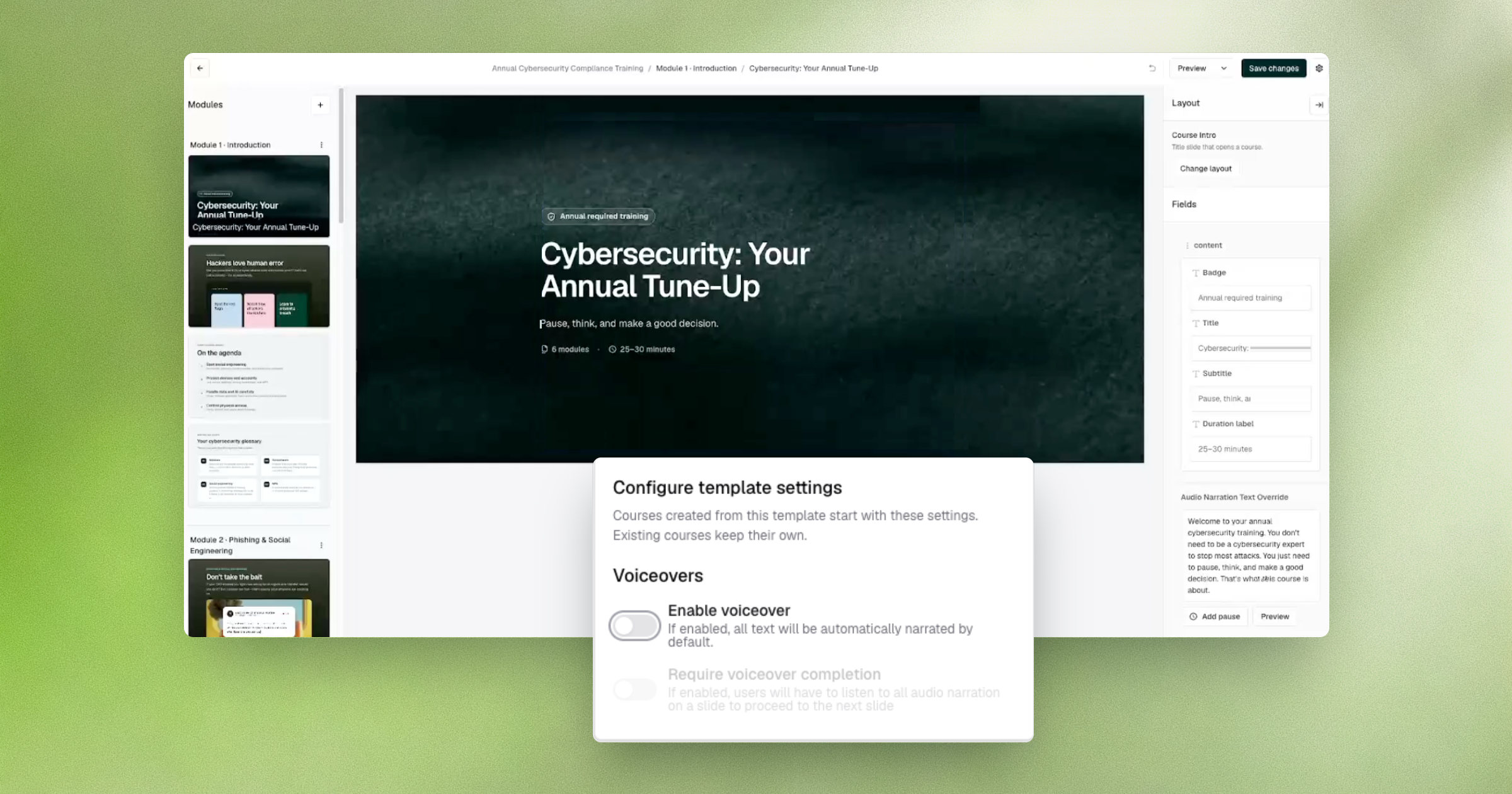
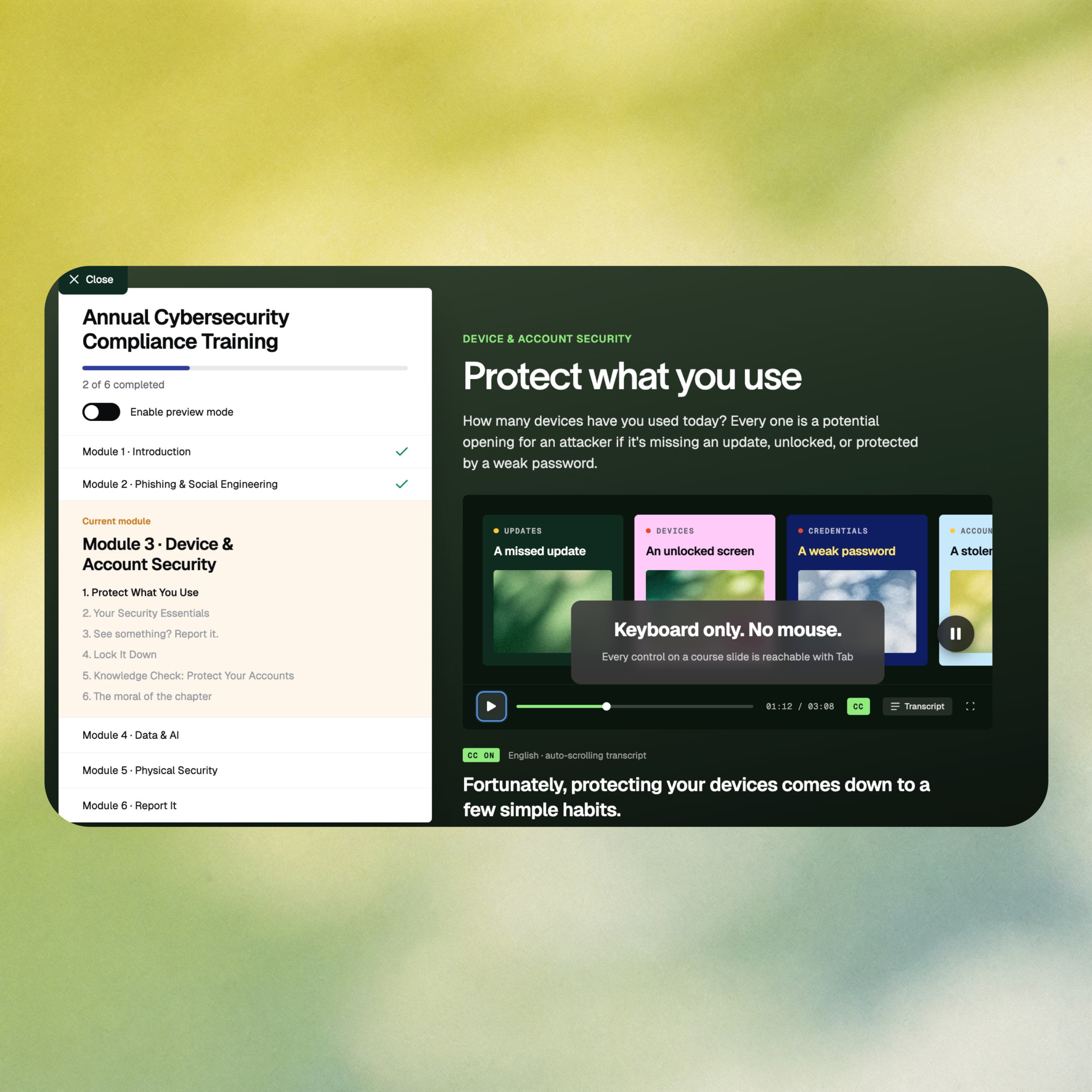
Security teams that build their own training move fast for a reason: a phishing kit changes overnight, and the course covering it needs to ship the same day. Fable’s course editor now previews exactly what an employee will see and hear, including voiceover, so builders can trust what’s on screen before it ever reaches a tenant. Course templates also carry their own preview settings, so that accuracy holds across every course built from them.