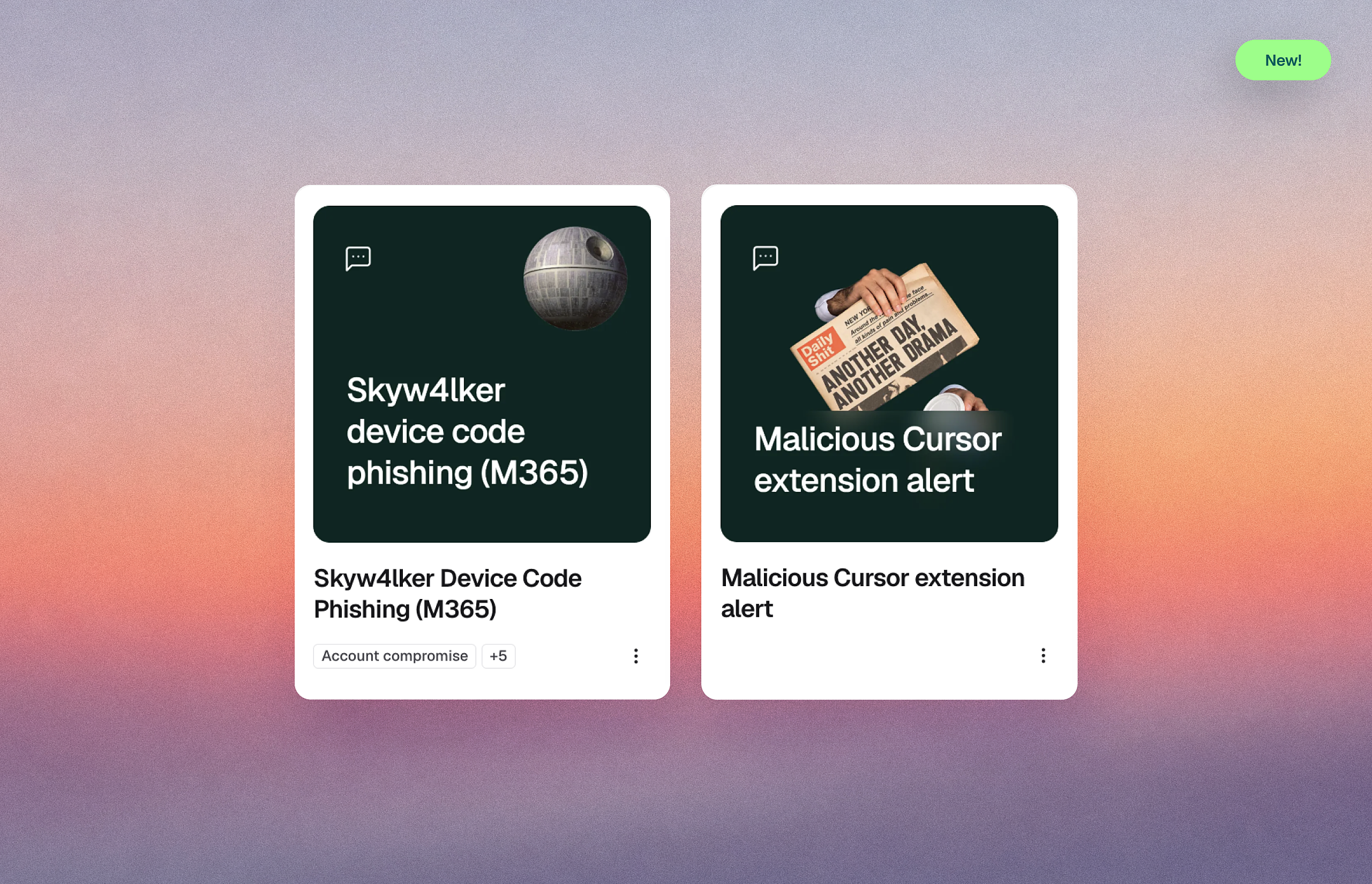
Two new briefings cover attacks that hide behind tools people already trust. The first is Skyw4lker, a device code phishing campaign that uses real Microsoft sign-in pages to take over Microsoft 365 accounts, MFA included. The second is a trojanized Claude Code extension that appeared on Cursor’s marketplace and quietly opened a path back into developers’ machines.
What’s new
- Skyw4lker Device Code Phishing (M365): A briefing for all employees with Microsoft 365 accounts on device code phishing, where a contract-themed lure and an attacker-generated code turn a genuine Microsoft sign-in into an account takeover. It covers the password-protected document lure, the device code prompt, and why reporting quickly matters more than resetting a password.
- Malicious Cursor extension alert: A reactive briefing for anyone running Cursor or Claude Code on their machine, developers and vibe coders alike, on the fake Anthropic.claude-code 2.1.313 extension published to Cursor’s marketplace on Oct 29. It covers what the malware collected, why it was invisible, how to check for it, and how to report concerns to the security team.
Why it matters
Skyw4lker has no fake login page to spot. Victims sign in on the real Microsoft page with their own MFA, but they’re entering an attacker’s code, which hands over tokens that survive a password reset. The rule: never enter a device code you didn’t generate yourself.
The malicious extension ran silently, collecting machine details and setting up persistence that survives an uninstall. The habit that stops it: install only what you need from publishers you can verify, and be cautious with brand-new versions of tools you rely on.
How to access it: These briefings are available in the Fable Catalog. Navigate to the Catalog in the Fable platform to find and deploy them.