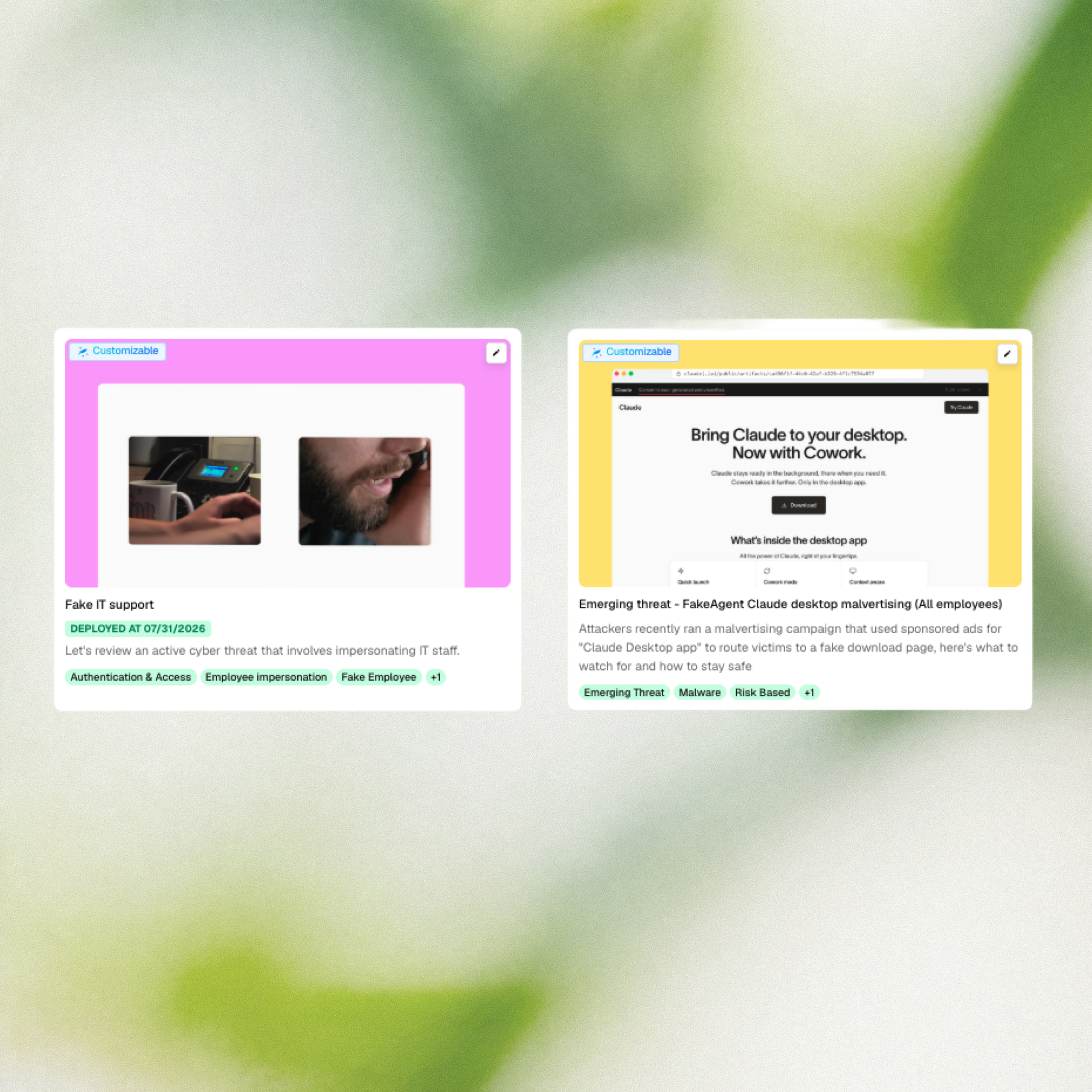
Two new briefings address active campaigns targeting employees right now. Fake IT support calls, where attackers impersonate internal IT to install remote-access tools and move data out within the hour, are hitting US legal, financial, and professional services firms. And a recent malvertising campaign used sponsored search ads for “Claude Desktop app” to route employees from a legitimate-looking domain to a password-stealer, hitting 29 organizations in two days.
What’s new
- Fake IT support — A briefing covering an active campaign where attackers impersonate IT staff over phone, chat, or in person to install remote-access tools and exfiltrate data within the hour.
- FakeAgent Claude Desktop malvertising — A briefing on a recent campaign that used sponsored search ads for “Claude Desktop app” to route employees to a fake download page and install a password-stealer.
Why it matters
Fake IT support is one of the fastest-moving social engineering patterns right now with no malware, no attachments, just an email and a phone call. Traditional email filters see nothing wrong because the initial message has no links or payloads. Anyone who handles external calls, invoices, or client documents is a plausible target, and at some firms the attack has already reached the physical layer with impersonators showing up at reception. This briefing gives employees the one reflex that stops it: pause and verify through an independent channel before acting on unsolicited IT contact.
The Claude Desktop malvertising campaign shows how quickly a trusted brand can be weaponized against employees who are doing everything right. The sponsored ad, the real domain, the familiar product: none of it was a warning sign until the download turned out to be a credential stealer. As AI tools proliferate across the enterprise, employees are searching for and installing them faster than security teams can vet them. This briefing turns a real, recent attack into a targeted moment to reinforce IT-approved software channels before an employee makes the same click.
How to access it: These briefings are available in the Fable content catalog. Navigate to the Catalog in the Fable platform to find and deploy them.