


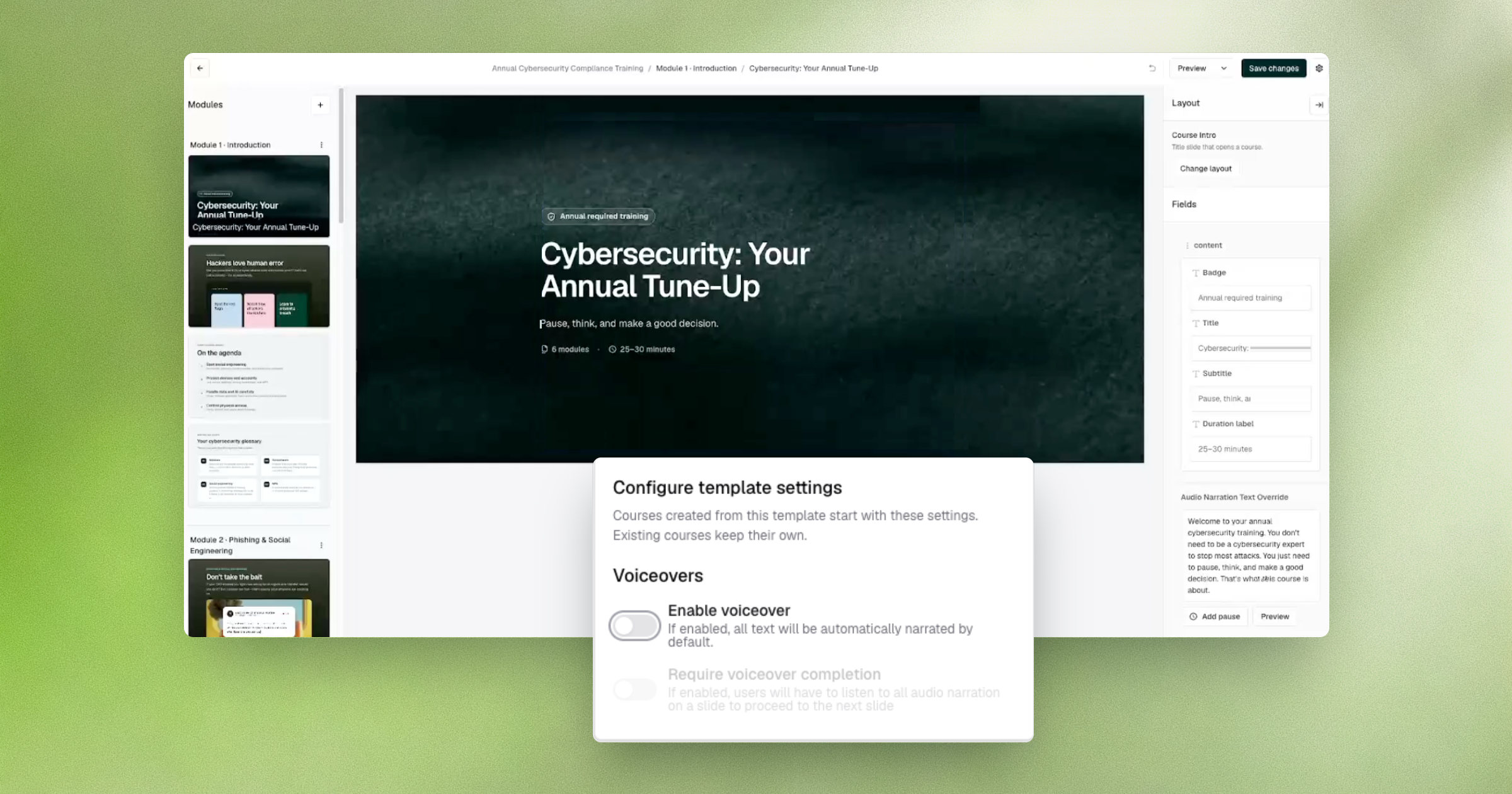
Security teams that build their own training move fast for a reason: a phishing kit changes overnight, and the course covering it needs to ship the same day. Fable’s course editor now previews exactly what an employee will see and hear, including voiceover, so builders can trust what’s on screen before it ever reaches a tenant. Course templates also carry their own preview settings, so that accuracy holds across every course built from them.
Security awareness programs are increasingly judged on how fast they can turn a new threat into training employees actually see, not on a quarterly refresh cycle. When a preview doesn’t match the real course, that gap gets caught late: after publish, after a tenant complaint, or after QA burns hours re-checking work that should have been validated the first time. An accurate, real-time preview closes that gap at the one point where it’s cheapest to catch, before anything goes live.
This matters most for the security awareness teams building custom, threat-specific, or role-specific courses under time pressure. Reliable previews keep speed intact without trading away accuracy, so teams shipping fast aren’t also shipping surprises.
How to access it: Open any course in the Fable course editor. The preview automatically uses Course Player V2, and voiceover settings can be configured.