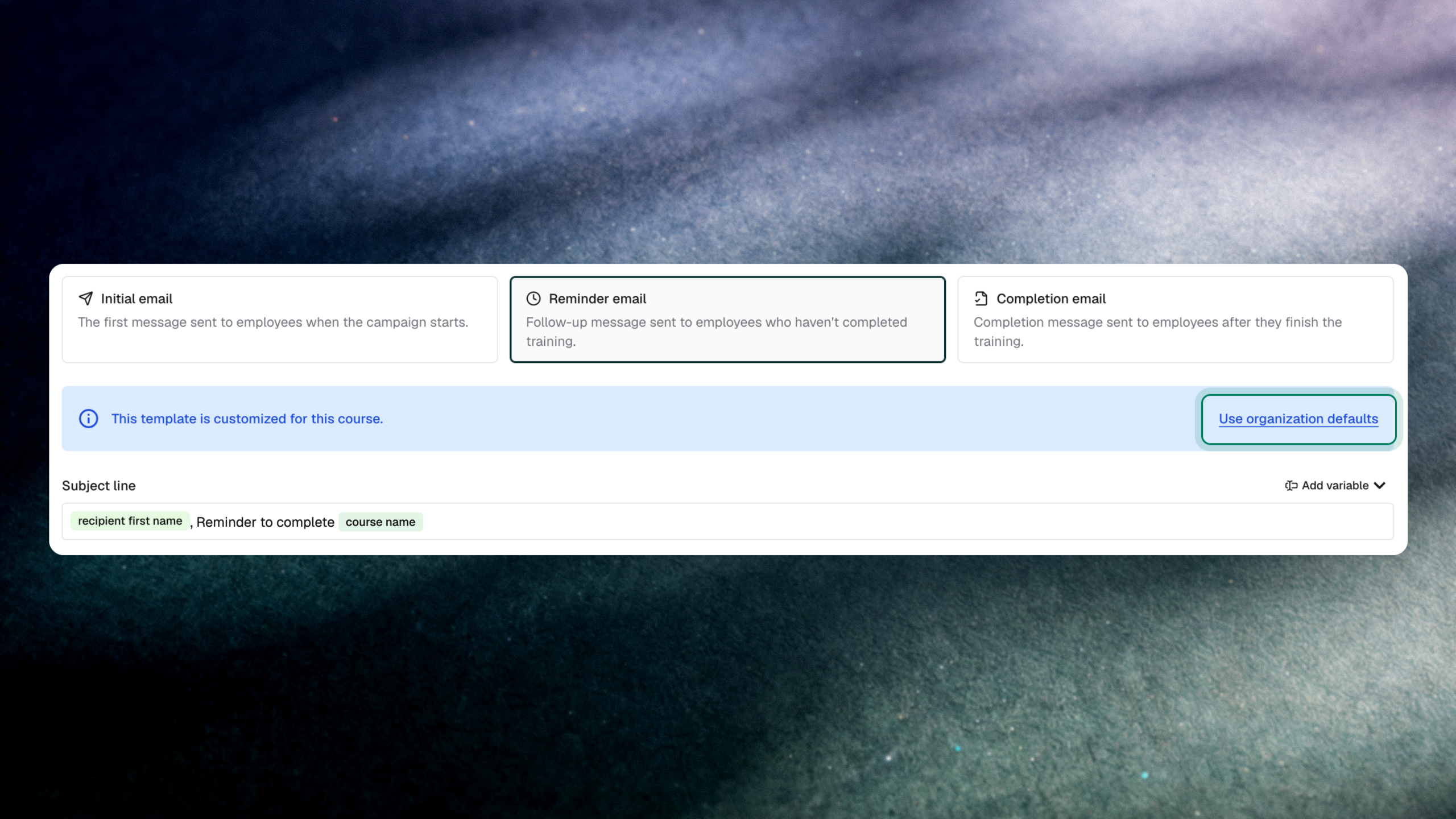
Custom email templates for awareness training and briefings now have a one-click way back to your organization’s defaults. The template editor also matches the layout used in Delivery template settings, and it only shows the edit banner once a change has actually been made. For teams running many campaigns, that keeps customization from turning into template drift.
What’s new
- Organization Defaults button: Resets the email template and subject line back to your organization defaults in one click.
- Consistent template editor: Custom templates for courses and campaigns, in both awareness training and briefings, now use the same UI as Delivery template settings.
- Banner only after an edit: The customization banner appears only when a change has been made, so untouched templates stay clean.
Why it matters
Completion rates depend on employees recognizing and trusting the messages that assign training. When one-off edits to templates and subject lines are hard to undo, programs drift away from the approved wording, and the person answering an audit question about what employees were actually sent has to reconstruct it. A one-click return to the org default keeps delivery consistent and defensible.
This is built for security awareness leads and program admins who tailor messaging by team or campaign but need a reliable baseline. It also reflects Fable’s view that a small security team should not lose hours maintaining stale, hand-edited program content.
How to access it: In the Fable platform, open the email template settings for an awareness training course and select Use Organization Defaults.