Service accounts, shared mailboxes, and system logins have a habit of sneaking into employee rosters and once they’re in, they quietly drag down completion rates, muddy risk cohorts, and undermine the numbers you bring to your board or auditors. User management now gives admins a way to define, preview, and filter those accounts out before they ever touch your reporting.
What’s new
- Service account detection rules — Configure rules that flag service accounts using employee fields (email, first name, last name, organization, department, job title) with operators like contains, starts with, ends with, equals, and regex match.
- Sync preview — See exactly which employees will be reclassified before the next nightly directory sync runs, so nothing changes without visibility first.
- Member and service account filtering — Filter the employee table to view members and service accounts as separate populations.
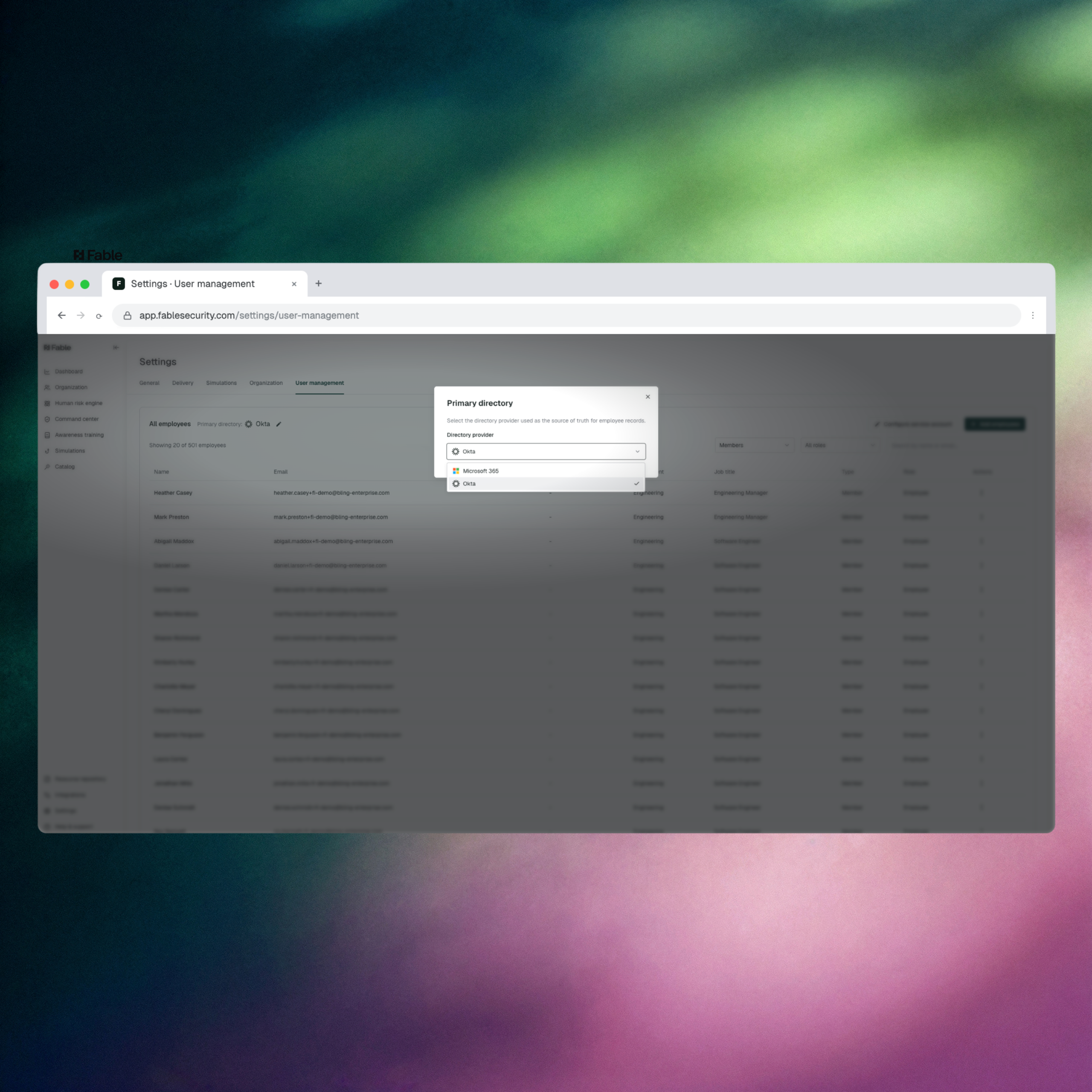
- Per-client directory configuration — Set the primary directory source independently for each client.
Why it matters
Human risk metrics are only as credible as the population they’re built on. When service accounts and system logins get counted as employees, they skew completion rates, throw off risk cohort assignments, and hand auditors and board members a number that doesn’t hold up under scrutiny. This closes that gap at the source: the same rigor Fable applies to explainable, board-grade risk scoring now extends to the employee population itself, before a single report gets built.
This matters most for admins running Fable across multiple tenants or client directories — MSSPs and multi-tenant deployments that previously had to apply one directory configuration across every client. Setting the primary directory per client, and previewing exactly who a sync will reclassify, removes a source of manual cleanup that GRC and awareness leads used to do by hand before every reporting cycle.
How to access it: Navigate to Settings > User management in the Fable platform.