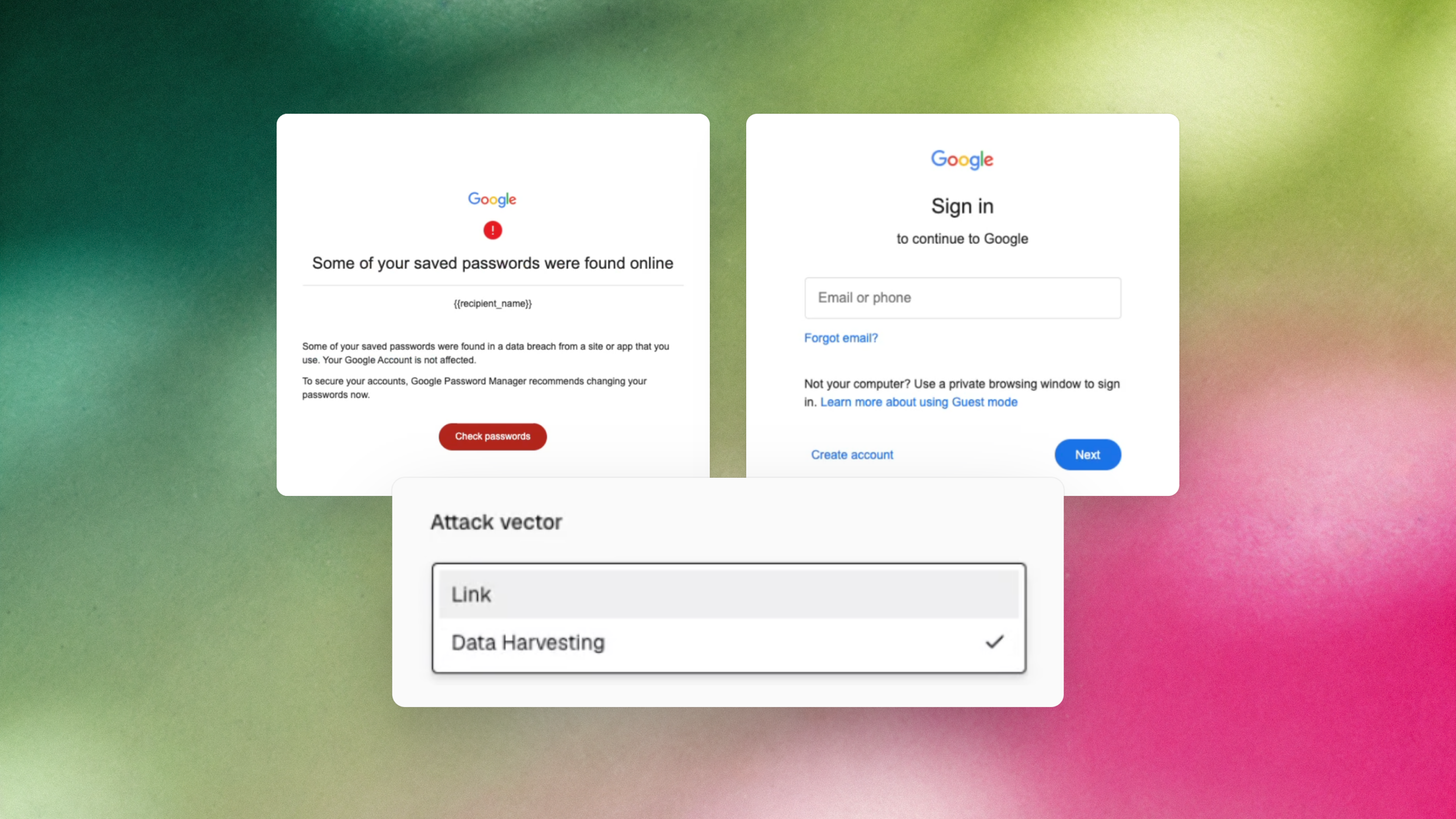
Phishing templates are no longer locked to the attack vector they were created with. Admins can now switch a template between Link and Data Harvesting from the My Templates editor, so a lure that already works can serve a different simulation goal. For security awareness leads, that means simulations can keep pace with how attackers actually operate instead of recycling last year’s templates.
What’s new
- Attack vector switching: Admins can switch Link and Data Harvesting templates between the two vectors directly from the My Templates email editor.
- Harvesting page picker and preview: Selecting Data Harvesting reveals a picker for the harvesting page and adds a preview tab for it. Switching back to Link clears the harvesting page selection automatically.
- Locked vectors stay locked: QR Code, Attachment, and Reply-To templates keep their original vector because their content requirements differ.
Why it matters
Programs that lean on a fixed set of quarterly templates are the ones that end up measuring click rates on lures attackers stopped using months ago. When adapting a template means rebuilding it or asking for internal tooling, the library goes stale and the metrics a CISO reports on stop reflecting real exposure. Switching vectors in place removes that friction, so the same lure can be tested for clicks and for credential submission.
This is aimed at security awareness and human risk program leads who run simulations across click and credential-harvesting scenarios and want a library that reflects modern attacker tradecraft. It fits Fable’s approach of mass-customized simulations built around how attacks really arrive, rather than static templates.
How to access it: In the Fable platform, go to Catalog > Simulations, select a Link or Data Harvesting template, and choose Edit template details