


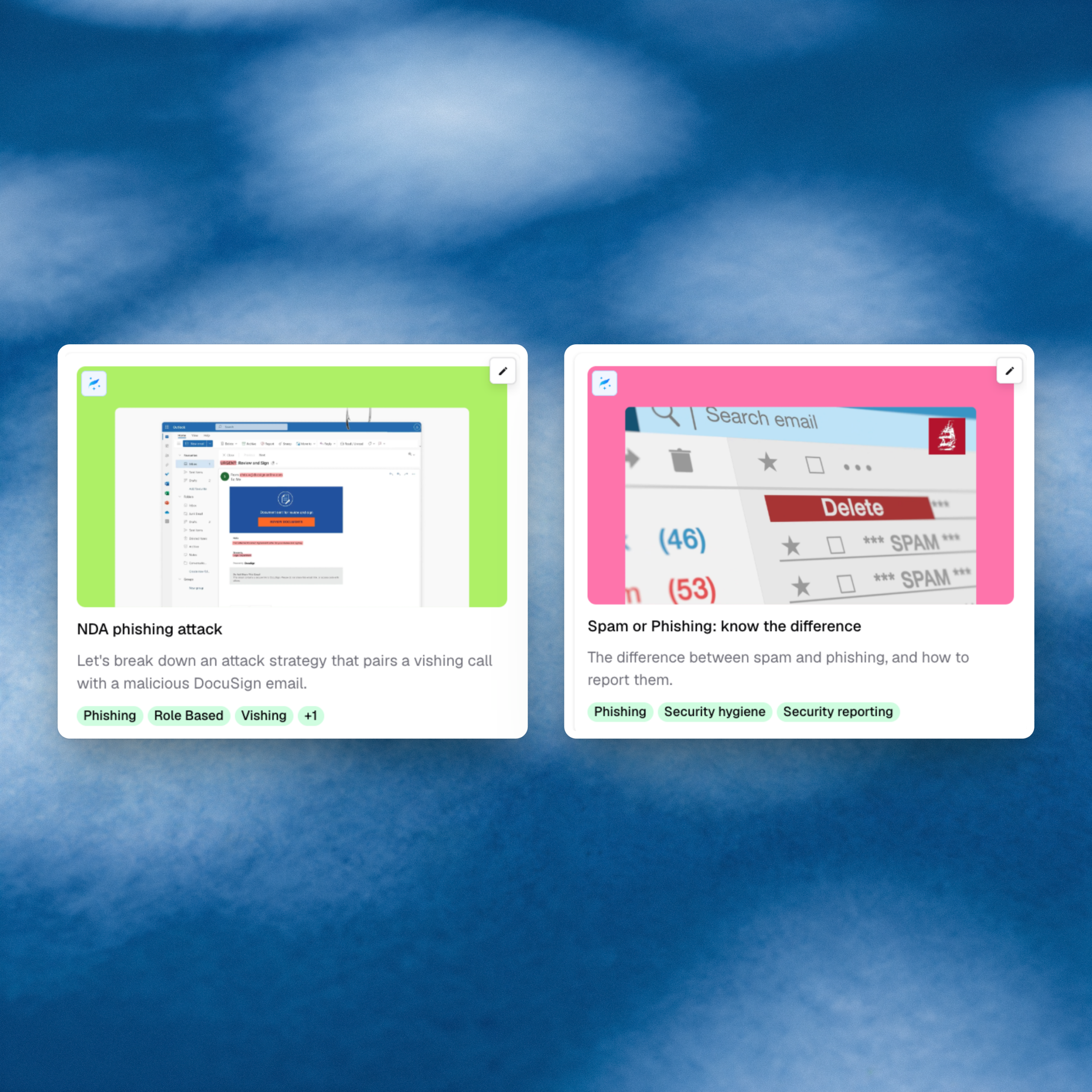
Two new briefings target moments where a routine request turns out to be the attack. The first is a prospect who needs an NDA signed before talking business. The second is the question IT teams hear every day: “is this spam or phishing?” The NDA scam pairs a vishing call with a malicious DocuSign email, using the phone call to lower defenses before the credential lure arrives. Meanwhile, employees who can’t tell junk from a real attack either ignore both or forward everything to IT, and real phishing gets buried in the noise.
What’s new
- NDA phishing attack: A briefing that breaks down the call-then-email tactic. A friendly caller describes a real-sounding buying need, a DocuSign-branded NDA arrives minutes later, and a login page asks for Microsoft or Okta credentials. It covers look-alike senders, attacker-controlled DocuSign accounts, and the verification habits that stop the attack.
- Spam or phishing: know the difference: A briefing that separates unwanted bulk email from messages trying to steal credentials, money, or trust. It uses examples like mailbox-full alerts, executive gift-card requests, and invoices with new banking details, and gives a simple rule for when to press Spam and when to press Report Phishing.
Why it matters
The phone call makes the NDA attack work: by the time the DocuSign request arrives, the employee is already expecting it. The habit that stops it is to call back on a known number, open DocuSign directly, and report the call and the email together. For sales, procurement, and legal teams, a single entered password exposes every deal and contract in their inbox.
Reporting only works when employees report the right things. This briefing reduces “is this spam or phishing?” to one rule: Spam for junk, Report Phishing for anything suspicious. That keeps real attacks from getting buried and lets security pull a phish from every inbox it reached.