TL;DR—
- Scammers now combine email spearphishing messages with a follow-up voice phishing call “from” an IT staff member.
- The helpful scammer walks the victim through any multifactor authentication (MFA), one-time passwords (OTPs), or other security challenges to steal Google, Microsoft, Okta, or cryptocurrency credentials.
- While the current recommendation is to roll out “phishing resistant” MFA tools such as YubiKeys, Fable Security recommends organizations send out reminder microtrainings on social engineering tactics to specific cohorts of likely vulnerable employees.
- Check out “One ish, two ish: How to prevent modern phishing” for more about modern phishing lures and social engineering attacks like this one.
Okta: Dark web “phishing as a service” kits let scammers email and text victims to avoid MFA
In January 2026, Okta security researchers published a new attack format based on pre-made “phishing as a service” (PaaS) kits for sale on dark web forums.
Scammers can now:
- Buy one of these PaaS kits;
- Research an organization’s employees and technology stack; and
- Create extremely realistic phishing emails “from” a known member of the organization’s IT support staff.
Then, the scammer will follow up their email lure with an actual phone call—a voice phishing, or “vishing”, attack—to the same victim.
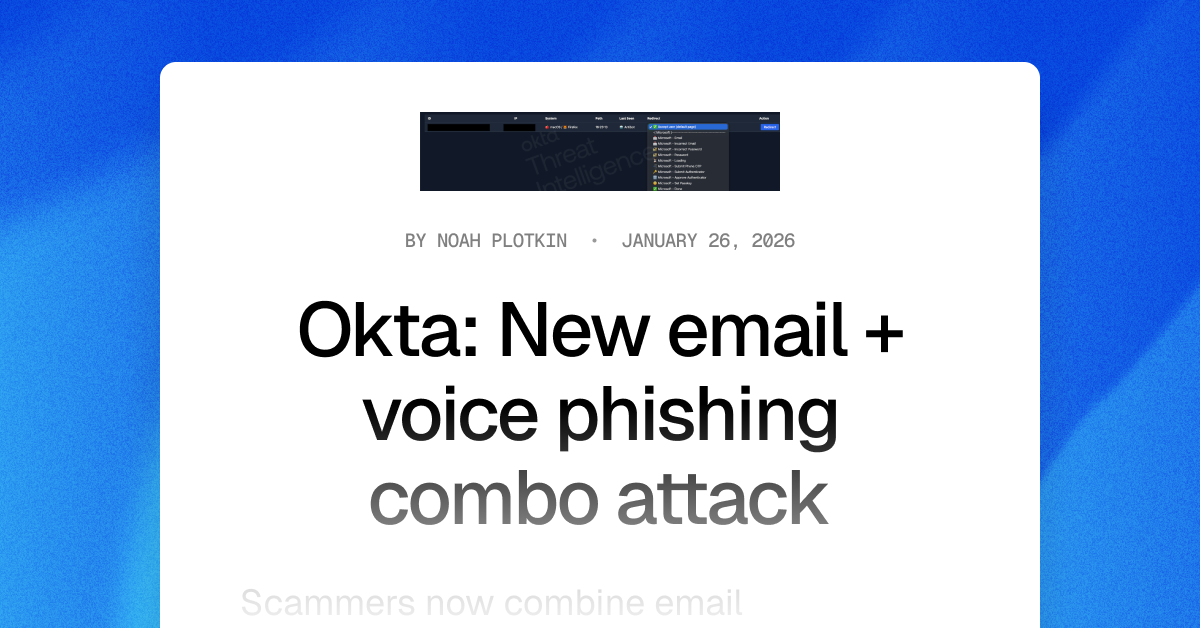
Still posing as a member of the organization’s IT help desk, the scammer will walk a victim through a fake login page and ask for whatever one-time passwords (OTPs), multi-factor authentication (MFA) codes, or other authentication challenges may pop up.
The scammer can even tailor their shared, on-screen steps to match what the victim is seeing on their own screen in real-time!
To the victim, it feels like a legitimate support interaction—not a threat—until it’s too late… and the scammer has their corporate account for worse attacks.
Scammers can plant spyware, steal intellectual property or cryptocurrency, and even infect other corporate devices with malware, ransomware, or wiperware.
The Fable Security team highly encourages any Okta customers to download the complete threat advisory, which contains known indicators of compromise (IOCs) and other details of known exploited attacks.
Start securing your humans from combo phishing attacks—without YubiKeys
Based on initial reporting and the level of effort required to research and target employees—even with a dark web “as a service” platform coding up their emails and landing pages for them!—Fable threat analysts believe with moderate confidence that larger organizations with publicly available branding guidelines will be most at risk from this phishing combination in the next 3-6 months.
As for what these targeted organizations can do, current recommendations from Okta researchers suggest investing in YubiKeys. However, this solution can be expensive to purchase and time-consuming to roll out—particularly for organizations with employees who already don’t care for MFA applications.
Therefore, while your security team invests in long-term infrastructure to combat growing phishing attempts, Fable suggests your awareness team sends out targeted refresher briefings on spotting social engineering techniques—which include vishing and email phishing red flags.
For example, you might send out social engineering reminders to:
- Employees with high access permissions to critical applications and not IT help desk staff or system administrators;
- Employees likely to answer calls during work hours; or
- Employees who have previously clicked on a phishing simulation and either have high access permissions or have not enrolled in MFA.
Make sure your briefings emphasize:
- Pausing before clicking or responding to any “suspicious” communications, even if they look legitimate;
- NEVER sending authentication codes to anyone, for any reason; and
- Following current processes for interacting with and accepting IT support.
When in doubt, they should report the message and ask their security team for advice.
If you’re curious about other types of phishing lures, check out Fable Security’s free ebook, “One ish, two ish: How to prevent modern phishing”—no email required!